

Signing in and finding your way
Sign in
Every page is gated. An unauthenticated visit is redirected to the sign-in screen, and there is no public read of any financial data. Sign in with your workspace email and password. If you have forgotten it, Forgot password? sends a reset link.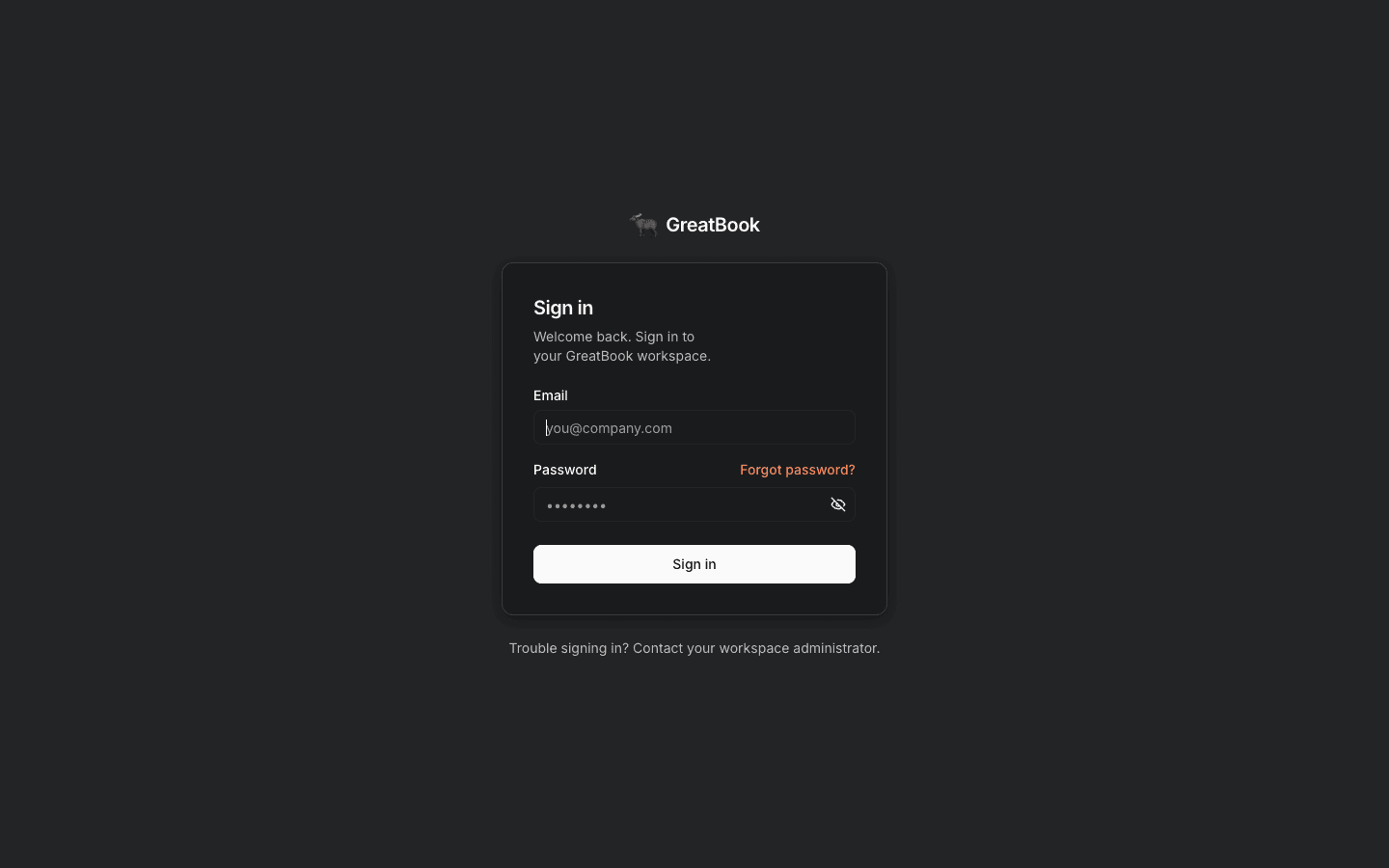
The whole app sits behind this screen.
The workspace landing
After signing in you land on the GreatBook Workspace, and it reads top to bottom in three bands. Apps, at the top, are the screens you work in: Upload, Operation, Review, Books and Payments as cards, then Typewriter, Files, Actions and Dev as chips beneath them. Agents, below that, is the roster in pipeline order, and each card states how you reach that agent.Live · chat means you can talk to it from the picker above.
Live · in pipeline means it is running but has no chat surface - the Bookkeeper and the Accountant
work on the queue rather than in a conversation, so the Bookkeeper’s card links you to the review
inbox instead.
The greyed Coming soon cards are roadmap placeholders, not broken
features.
The composer is pinned to the bottom of the screen, carrying a Chat with picker of the three
conversational agents: Typewriter, Clerk and Auditor.
Pick one and start typing; you do not open a separate screen first.
It stays where it is as you scroll, so the answer to “how do I ask something?” is the same on every
screen in Chat.
The Typewriter entry in the Chat with picker creates propose-only drafts.
Use the Typewriter chip under Apps, Forms in the left rail, or
/typewriter/new when you need to review fields, save, approve or hand a document to the Clerk.The left rail
The narrow rail is the permanent navigation and never changes.
Data and Audit are the two desks, not separate products.
Data is the matching layer, where documents arrive and are established.
Audit is assurance across both layers, and it is where the
exception register and two-lane human worklist live.
Both open directly, so getting a document in or checking the book does not start with picking an
agent.
Forms is the rail label; the agent behind it is still the Typewriter, and that is the name
it answers to in the Chat with picker and in these guides.
Opening an agent from the picker or the roster does not leave the rail.
It opens that agent’s own workspace inside Chat, with its own sub-nav.
Agent workspaces is the page for that.
Your conversations, all in one list
The panel toggle at the top-left opens Threads. It is a single list across every agent, and each row is labelled with the agent that owns it. Clicking a row opens that conversation and switches you to its agent automatically. You never have to remember which agent a thread belonged to.A thread belongs to one agent for its whole life.
If you switch agent from the composer menu, GreatBook opens a fresh conversation rather than
retargeting the one you are in.
That is intentional: each agent has its own view of state, and carrying a conversation across
agents would carry one agent’s assumptions into another’s reasoning.
Light and dark
The Dark / Light toggle at the bottom of the rail follows your operating system by default and remembers your choice. Everything is styled for both, including the documents table and the ledger.Related
- The golden path - the journey these screens support
- Who does what - what your identity is allowed to do
- Reference - deep links, statuses and the rest of Books