

Reading the General Ledger
Books → Ledger is the book itself, with one canonical accounting-event list and two focused control summaries.
The redundant Journal list is retired.
The compatibility
?tab=journal address resolves to Transactions, while exact journal-entry links locate and focus the owning event.
Do not rebuild a second list: an event detail already carries zero-to-many entries, every line, source/workpaper evidence, reversal links and integrity state.
Legacy Subledgers rollups
The Ledger’s Subledgers tab retains the earlier AP and cash/bank summaries. It is not the seven-family Books model.Use the seven authoritative Books families for native registers, accounting-event links and control-account tie-outs.
AP aging in this legacy tab is still GL-derived rather than owned by the authoritative obligations subledger.
Reconciliation: how much of the book is covered
The Reconciliation tab does not list matches. It answers a blunter question: for each thing the book claims, is there an external source that can confirm it? Each card names a position, the figure the GL holds, the figure the external source holds, and the difference, with a badge saying what that means - Partial coverage when no external feed is wired at all, Variance when one is wired and the two disagree.“No external source wired” is a different statement from “reconciled”.
A card reading
Partial coverage is telling you the book agrees with itself and nothing else has
been asked.
Triaging actual proposed matches happens in the separate Matching workbench.Transactions: what happened, posted or not
The Transactions tab is the normalized event layer between an authoritative source or workpaper and the GL. It is the only screen in the product that shows posted and unposted work side by side, so the header reads two numbers: what is in the book, and what is not.
An intake-origin row that is not in the book carries its intake reason:
pending, flagged or received.
Native, workpaper, reversal and system-origin events report their own canonical state instead of inheriting an intake status.
The capability registry makes the same boundary executable.
greatbook.accounting.events.list@1 and .read@1 use the released accounting-event tools, while greatbook.transactions.universal-table@1 is forbidden.
Transactions resolves canonical intake, native, workpaper, journal and reversal sources; it is not a universal table or an alternate writer, and no staged action writes through this view.Reading the complete accounting effect
Select a transaction and the right pane gives you its stable event reference, source category, lineage state, source/workpaper links, entity, period and posting provenance. Each posted journal-entry set includes its exact identity, complete native/base/FX/dimension lines, reversal relationship and integrity state. An event with no entry says it is not in the book yet; it does not fabricate an empty entry.Reports: the financial statements
Income statement, balance sheet and cash flow, consolidated, in VND, computed from the posted GL only. This is the page to open after a close, and the fastest way to see whether an entry you just approved landed where you expected.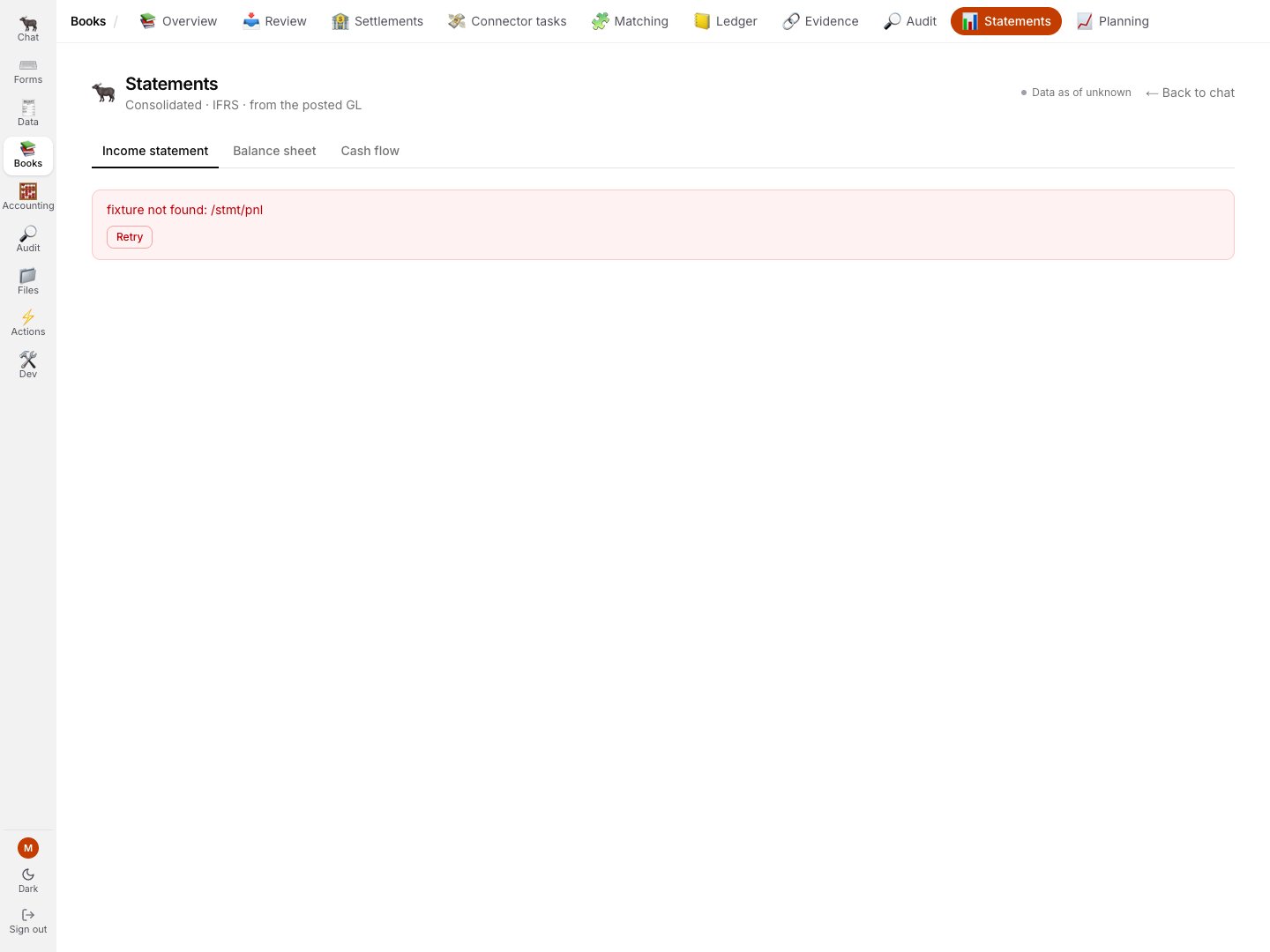
When the credential-free demo omits the statement response, the current page says unavailable. It does not turn a failed statement read into rows of zeroes.
“Computed from the posted GL only” is the sentence that matters.
A document sitting at the posting gate does not appear in your statements, no matter how confident the
Bookkeeper’s draft is.
The statements and the ledger cannot disagree, because the statements have no other source.
Trace an exact entry in either direction
- From Books → Review, an exact entry link opens the owning Transactions event and focuses that entry.
- From a Books native register, follow the row’s accounting-event link, then its exact journal-entry reference.
- From Transactions, open the source or approved workpaper, then return to the event and follow any
reversesorreversed_bylink. - A missing or
legacy_unverifiedsource is a visible lineage state, not a normal “no source” empty panel.
Related
- The entry in the ledger - what the write actually did
- Asking the Auditor - proving the book to yourself
- Closing a period