

Working the review inbox
Most of what a reviewer does is not approving. It is deciding that something is not right yet, and putting it back on the correct track without letting a wrong number near the ledger. There are three moves, and they are not interchangeable.Nothing you do here can reach the ledger.
Reject, send back and revise all happen before the second gate.
None of them writes a journal entry, and none of them can un-write one.
Once an entry is posted the only correction is a reversing entry.
The review tabs
Reject, the terminal one
Reject opens a confirmation with a free-text reason. The reason is optional to the form and essential in practice: it is the only explanation anyone will ever see for why this document never reached the books.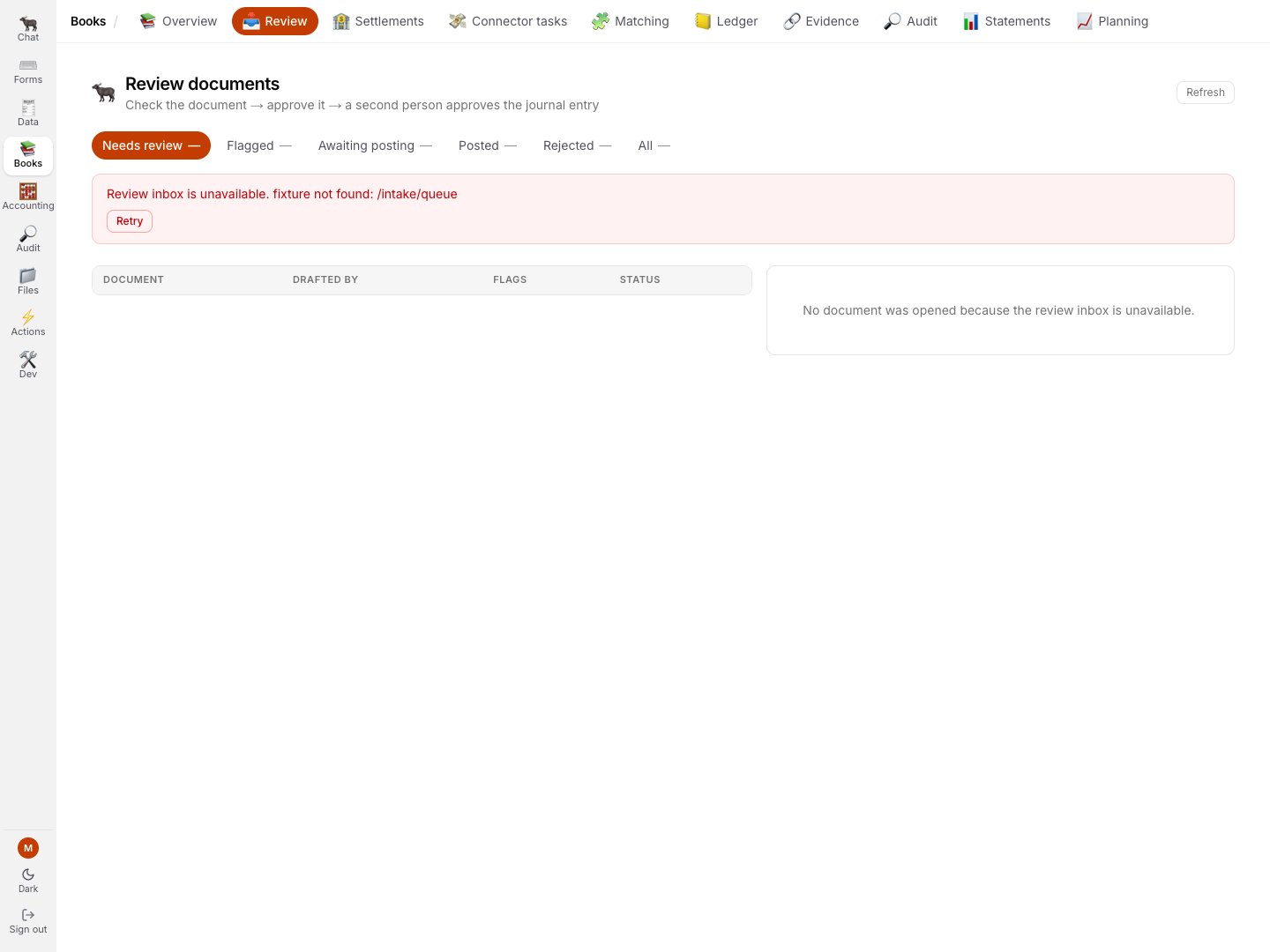
The current credential-free demo omits the review response. The page refuses to show a zero count, empty queue, selected record, or live decision controls.
A rejection is subject to only half the separation-of-duties rule.
Refusing a document writes nothing to the ledger, so it is gated only on the refusal being
attributable to a named user, not on three distinct people standing behind the record.Applying the full rule to rejections used to strand documents: a row whose submitter was still a
placeholder could not be posted, could not be rejected, and could not be resubmitted.
It sat active forever and showed up in the Auditor’s reconciliation as a document with no journal
entry.
Send back, and the one row it does not apply to
Send back applies only to rows the Clerk actually flagged. That is a server rule, and it is an exact equality rather than a range. On a row at ready to review - which is exactly what a Typewriter-composed document lands as, because a schema-built document has nothing to be unsure about - there is nothing to send back to, so the control renders disabled with the reason rather than as a button that fails. The server’s own refusal, if the rule is reached another way, is:resubmit applies only to a flagged row (this row is ‘pending’)
What to do instead.
A Typewriter document has no agent extraction to redo, so there is nothing to send back to.
If it is wrong: Reject the queue row, then Revise the document in the Typewriter and submit
the new version.
Approve and Reject follow the same principle from the other side: a row with an unrecognised status still offers them, because the backend can add statuses and a silently un-reviewable row would strand a document.
Send back never gets that benefit, because its server rule is an exact match.
A control this product cannot honour is shown as a rule, not as a button that fails.
On a flagged row the source contract reruns the agent
Type what you want fixed, confirm, and the row is handed back to the agent. Over the API, a resubmit takes a patch of fields that is merged into the row’s payload and re-validated. The row then routes on the result: clean goes to pending and is ready to approve, still-flagged stays flagged with the remaining issues named.Only a flagged row can be resubmitted.
Anything else is a 409 with the reason: “resubmit applies only to a flagged row (this row is
‘pending’)”.
Refresh re-reads the selected document.
After a send-back, Refresh updates both the list and the open row, including reviewer, flags, posting gate and audit trail.
It preserves a half-typed rejection reason while the read is in flight.
Revise, the v1 to v2 story
Revise re-opens the builder with the current values, headed “revising v1”, and the button now reads Save new version. The same schema owns both create and revise. For a currency-bearing document, the current value stays visible in an uppercase ISO 4217 select; an old lowercase, localized or unsupported value is shown as invalid and must be corrected before Save new version can send a request. An unrelated edit cannot clear that error, and a missing schema fails closed instead of resubmitting a currency the server cannot verify. v2 arrives Awaiting approval. The previous approval does not carry over, and you still cannot approve your own. Once a designated approver signs it and submits it, it enters the intake queue as its own row.The Clerk flags the revision, and asks you to choose
If v1 is still in the queue, v2 does not quietly replace it. The row lands flagged, carries Duplicate of with the sibling row’s id, and states the rule outright.The flag names the sibling row by raw id and does not link to it.
To find it, open the All tab and match the id, or open the Typewriter document’s version history,
where both versions are listed with what happened to each.
Opening a specific row by link
A review link carries the row’s id -/books/review?item=<id>, and the older ?intake=<id> the Typewriter used to emit is still accepted, because those links exist in the wild.
Related
- 4 · Gate 1, the intake approval
- 2 · Sign it - versions and supersession in full
- Reference - statuses and deep links