

The product, screen by screen
This tour follows the rail and the tabs exposed by the running product. Every image is an unretouched capture from a credential-free local demo build of the current default branch.The surface inventory
Forms: the Typewriter
The Typewriter begins with a schema registry rather than a blank canvas. The same schema drives the form and the live document preview.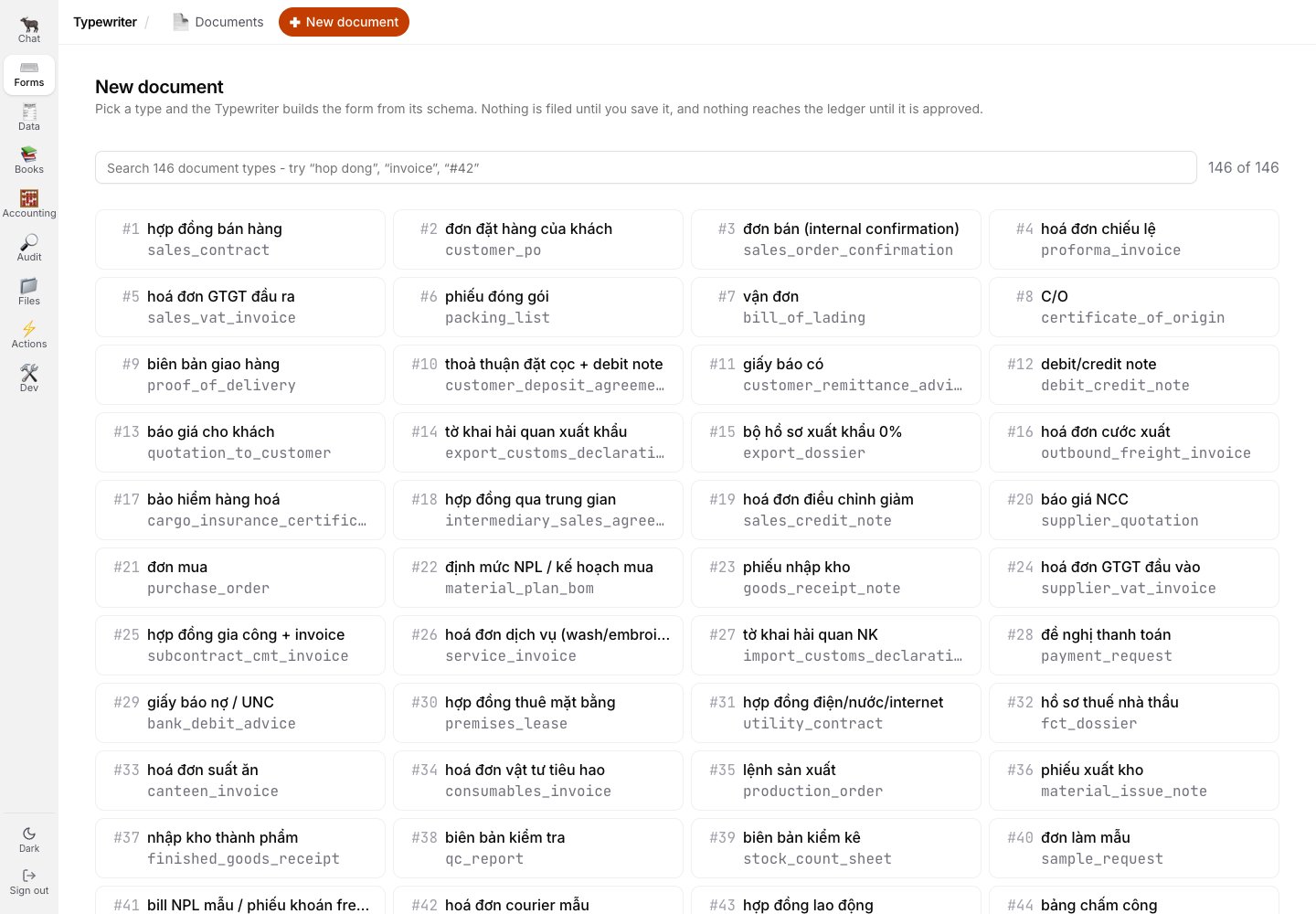
The document picker exposes all 146 schema-backed document types available in this build.
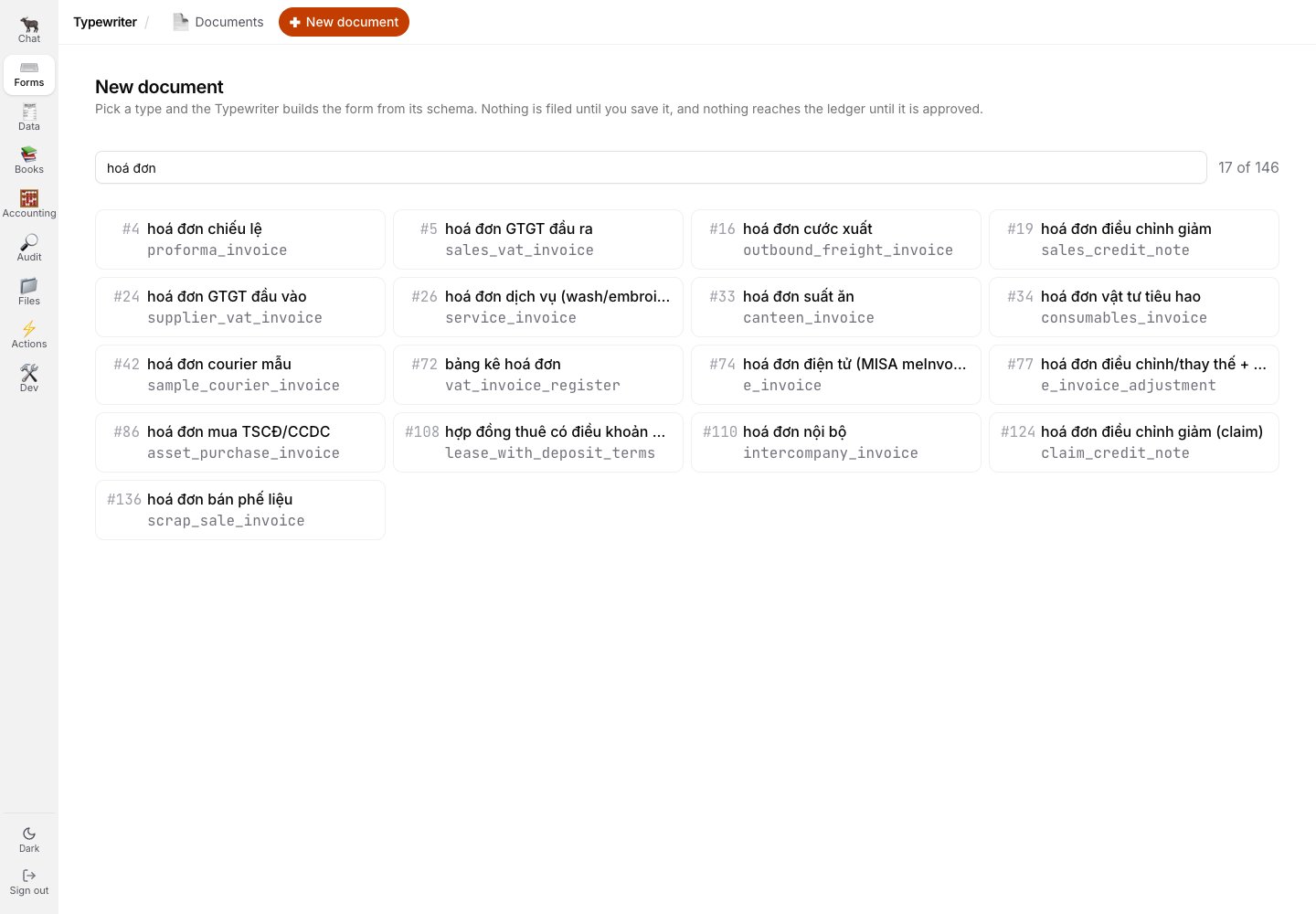
Search narrows the registry by the visible Vietnamese name, key, or number.
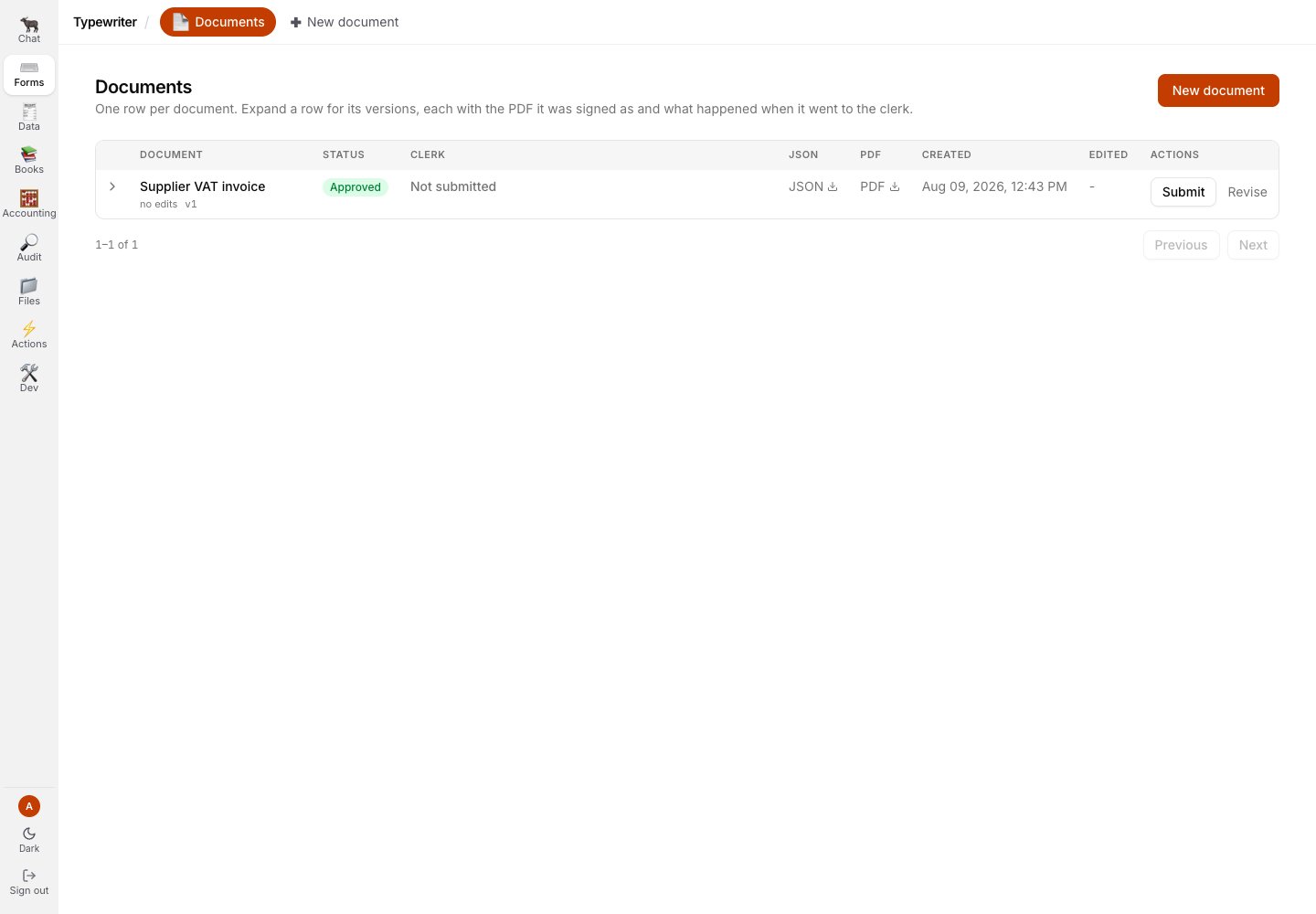
A saved and separately approved document is visible in the Documents list; the next handoff is still a distinct action.
Books
Overview
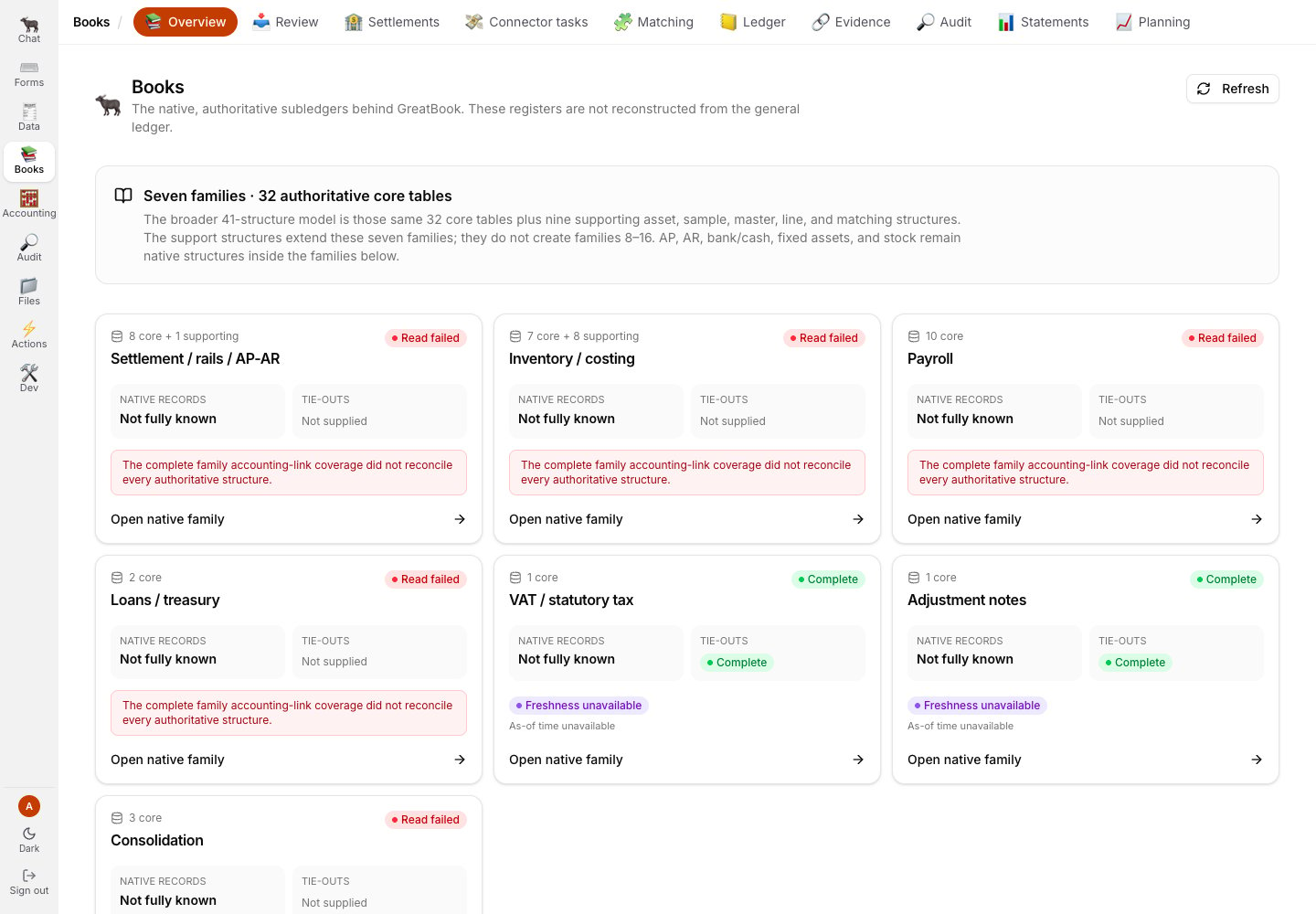
Books Overview names seven native record families and shows their freshness and completeness separately.
Native family details
Each Overview card opens the family’s authoritative registers and control-account tie-outs. The family route is also where completeness and freshness remain separate conclusions.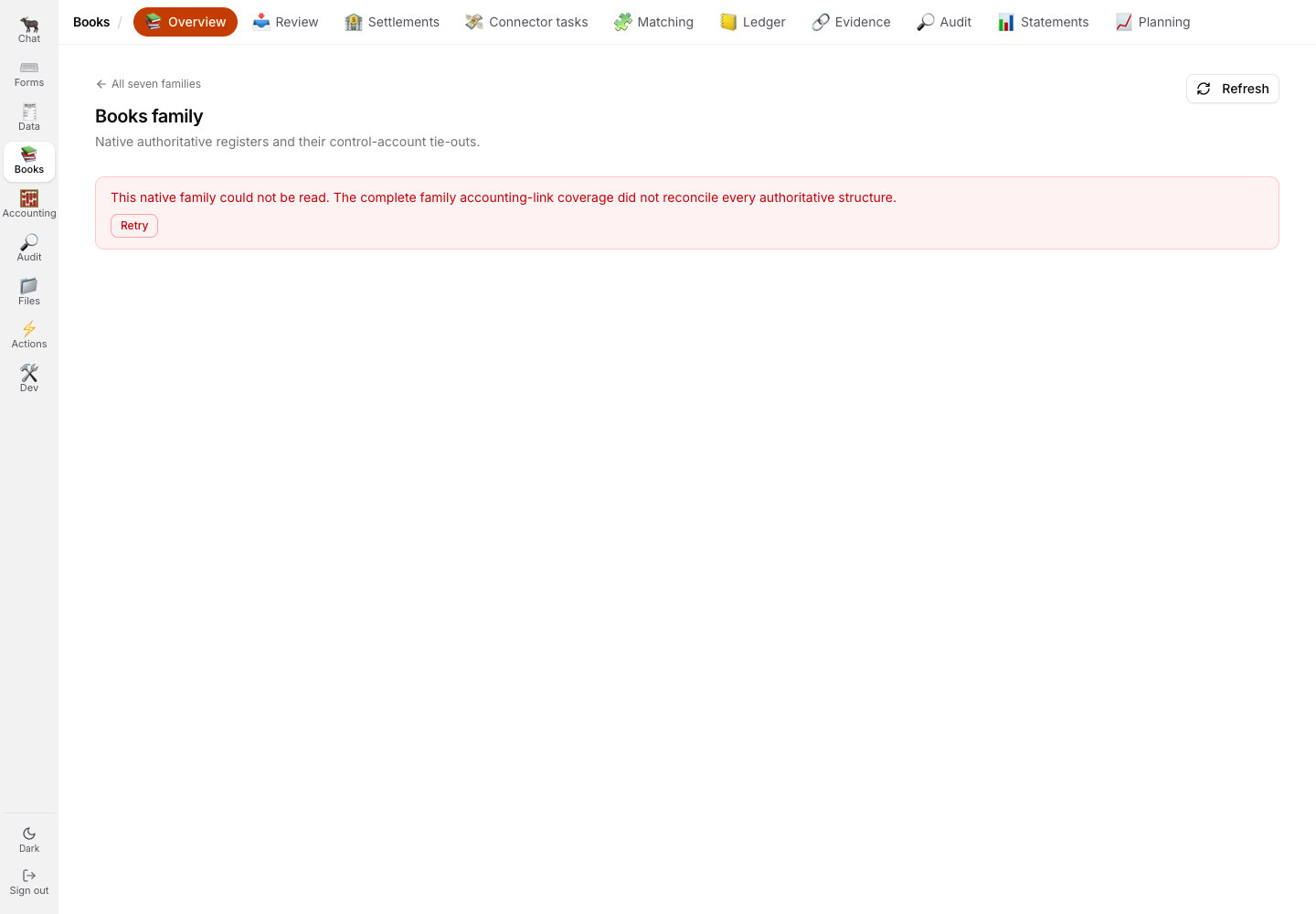
Settlement is shown here. Inventory costing, Payroll, and Loans / treasury returned the same refusal: the family read could not reconcile every authoritative structure.
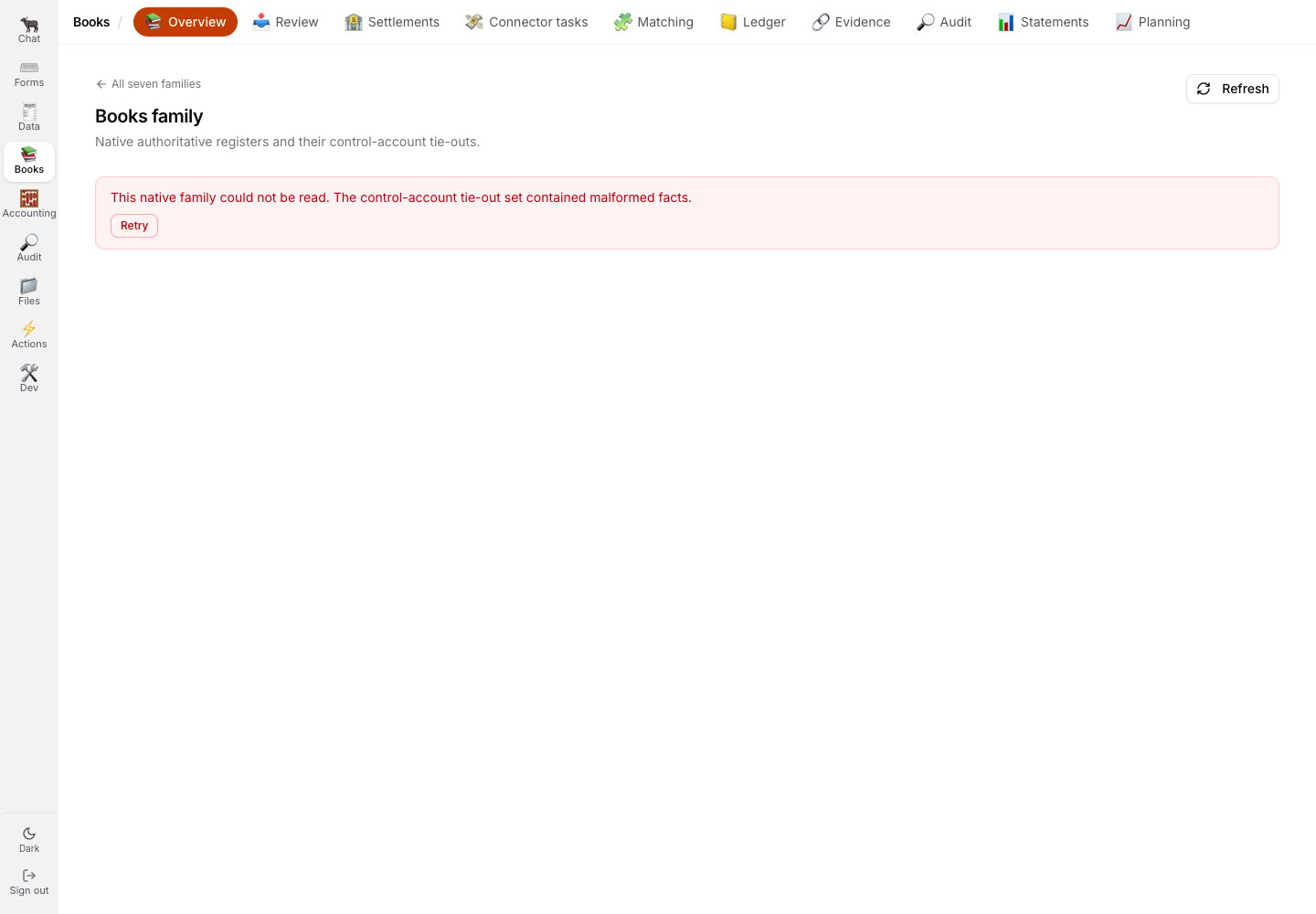
Consolidation refuses for a different reason: malformed control-account tie-out facts.
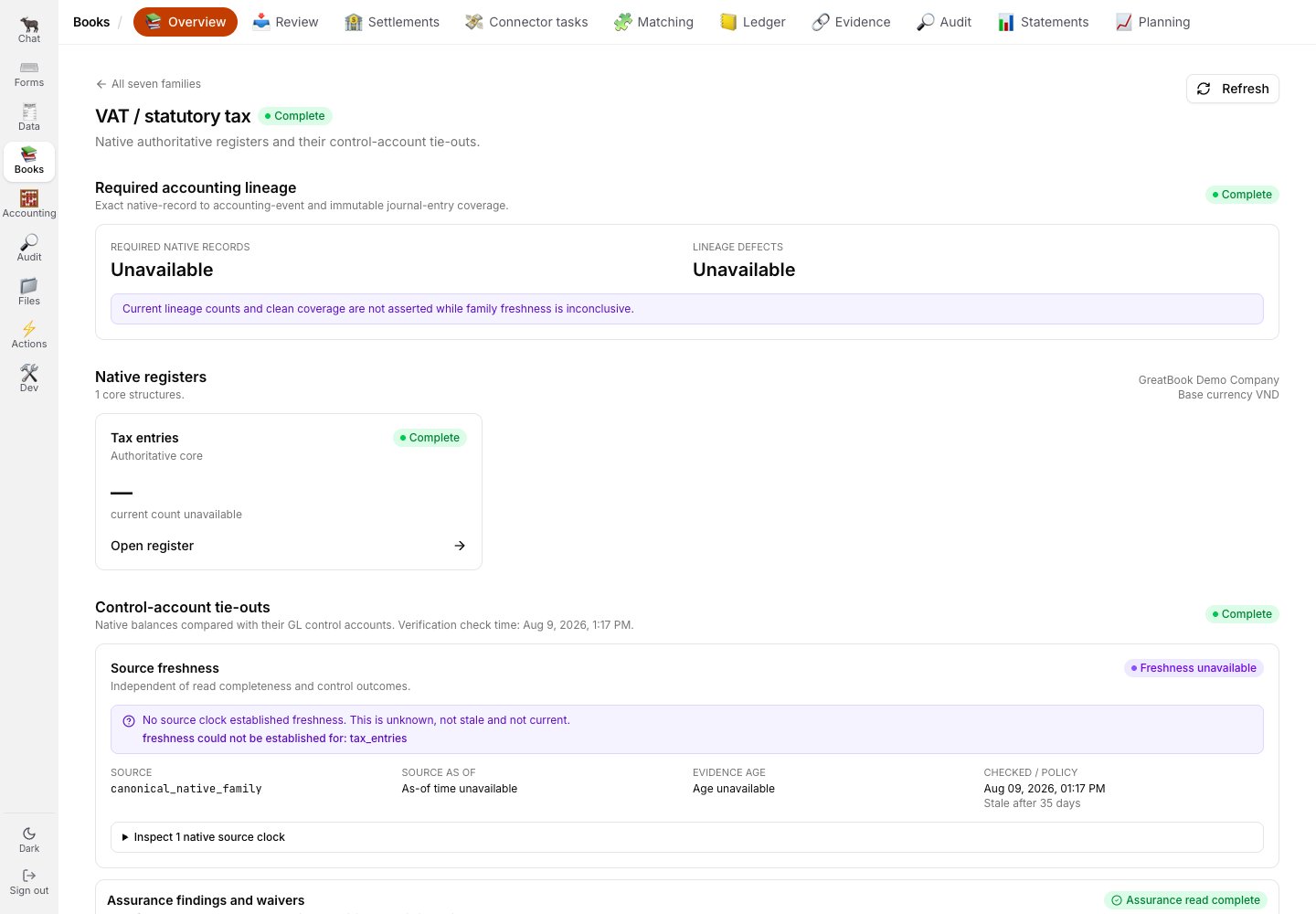
VAT and statutory tax can read its family shape, while lineage counts remain unavailable until freshness is established.
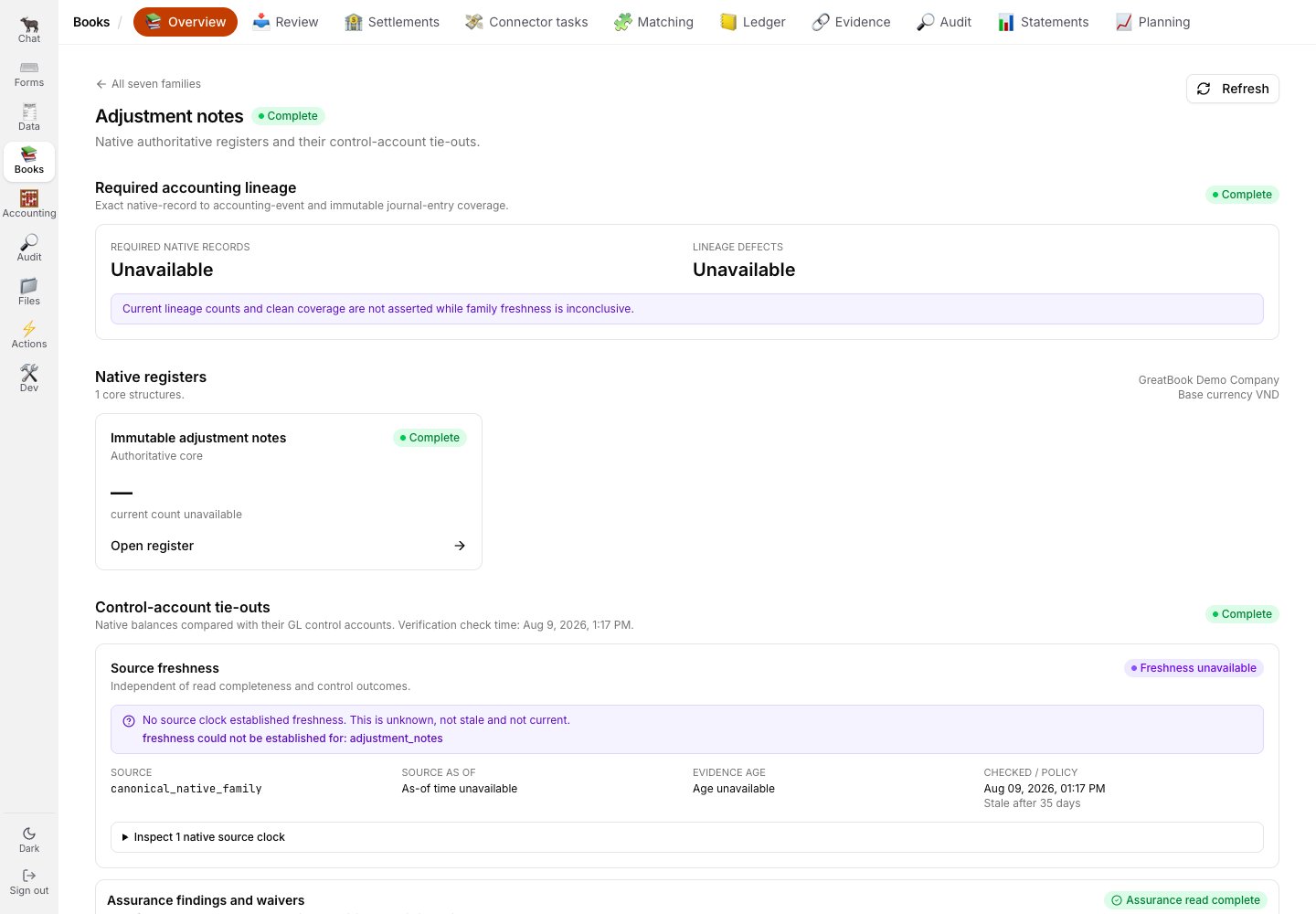
Adjustment notes exposes its immutable native register under the same honesty rules.
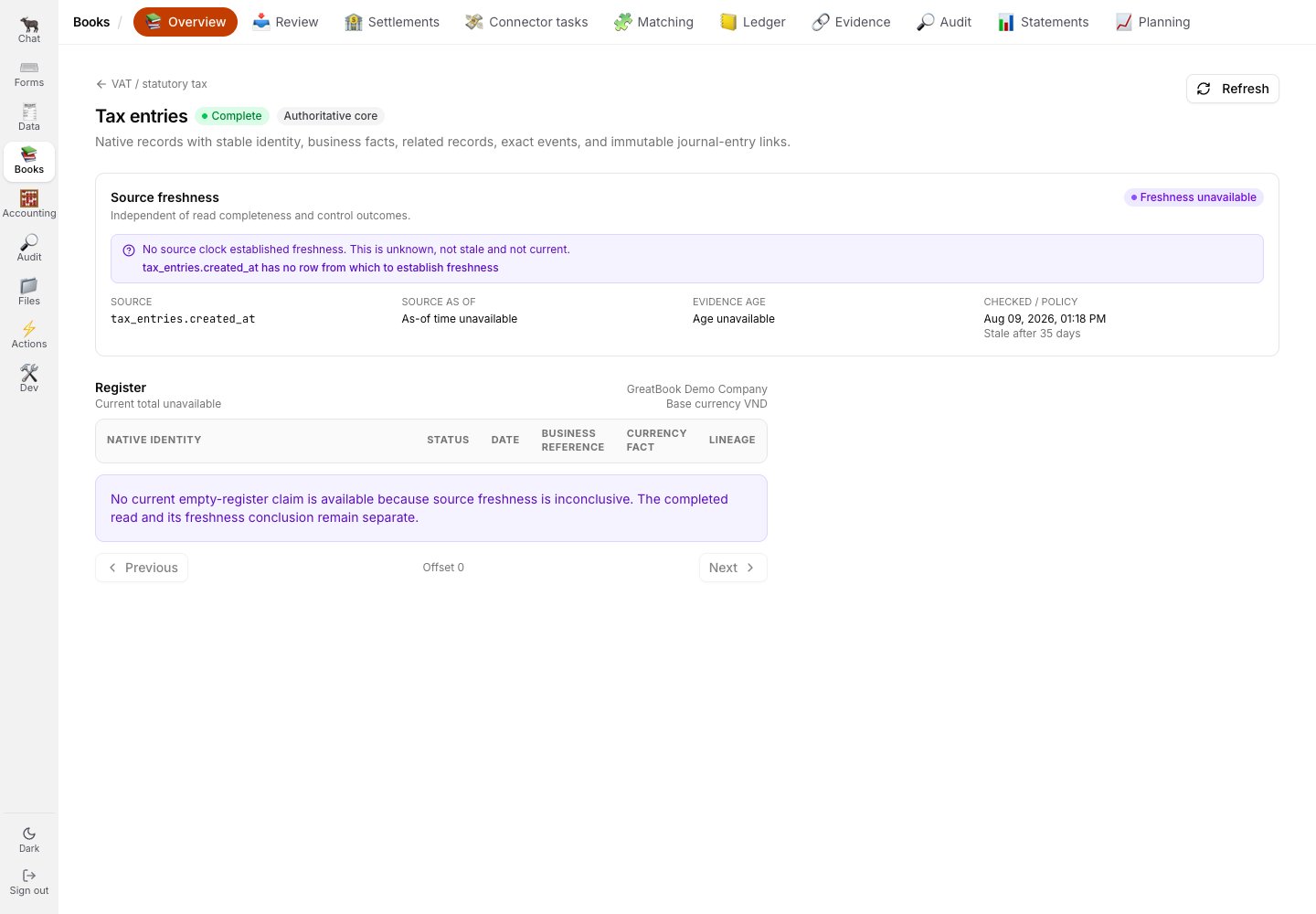
Tax entries has no row from which to establish freshness, so the empty-register claim is withheld.
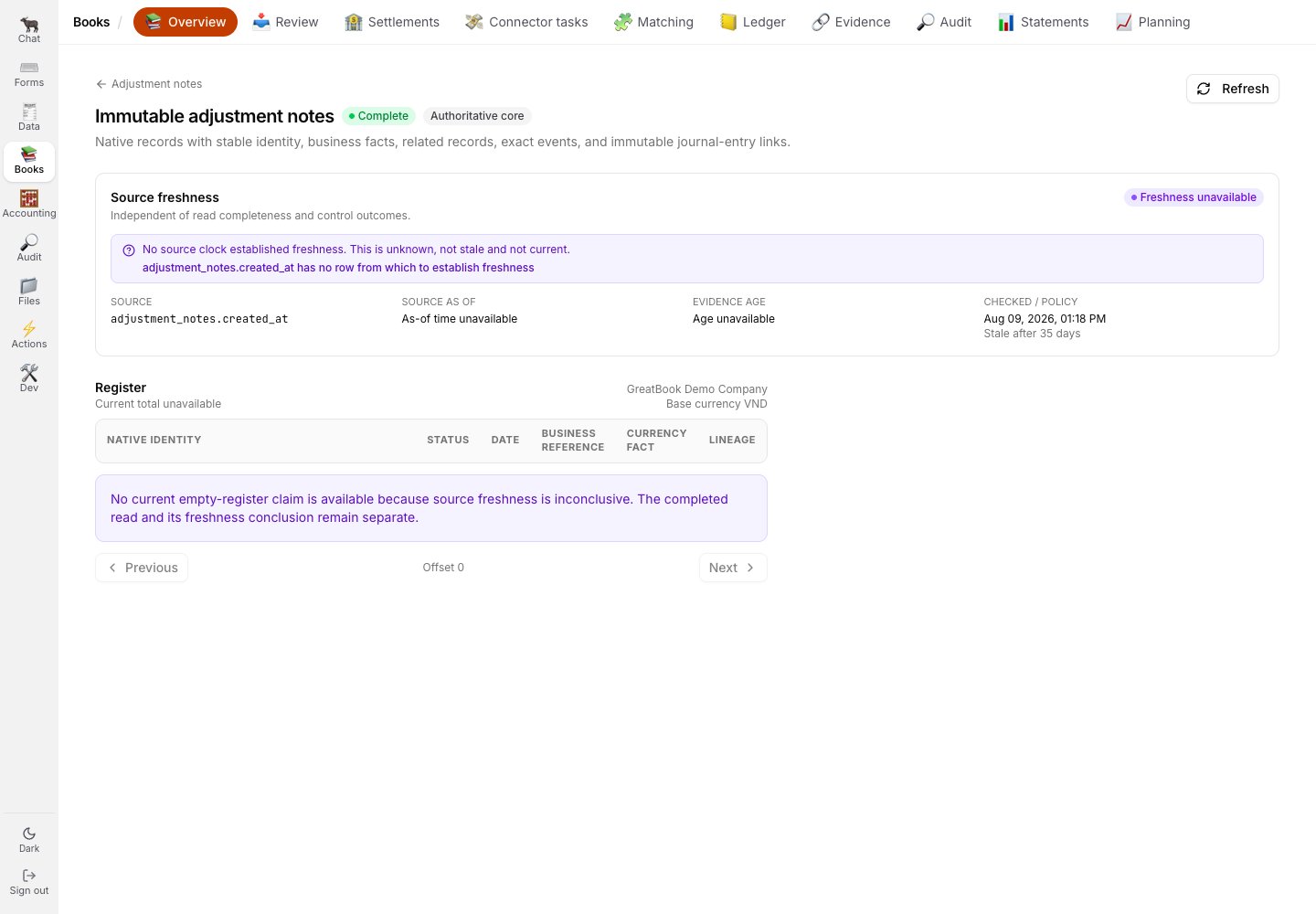
Immutable adjustment notes makes the same distinction for its own source clock.
Review
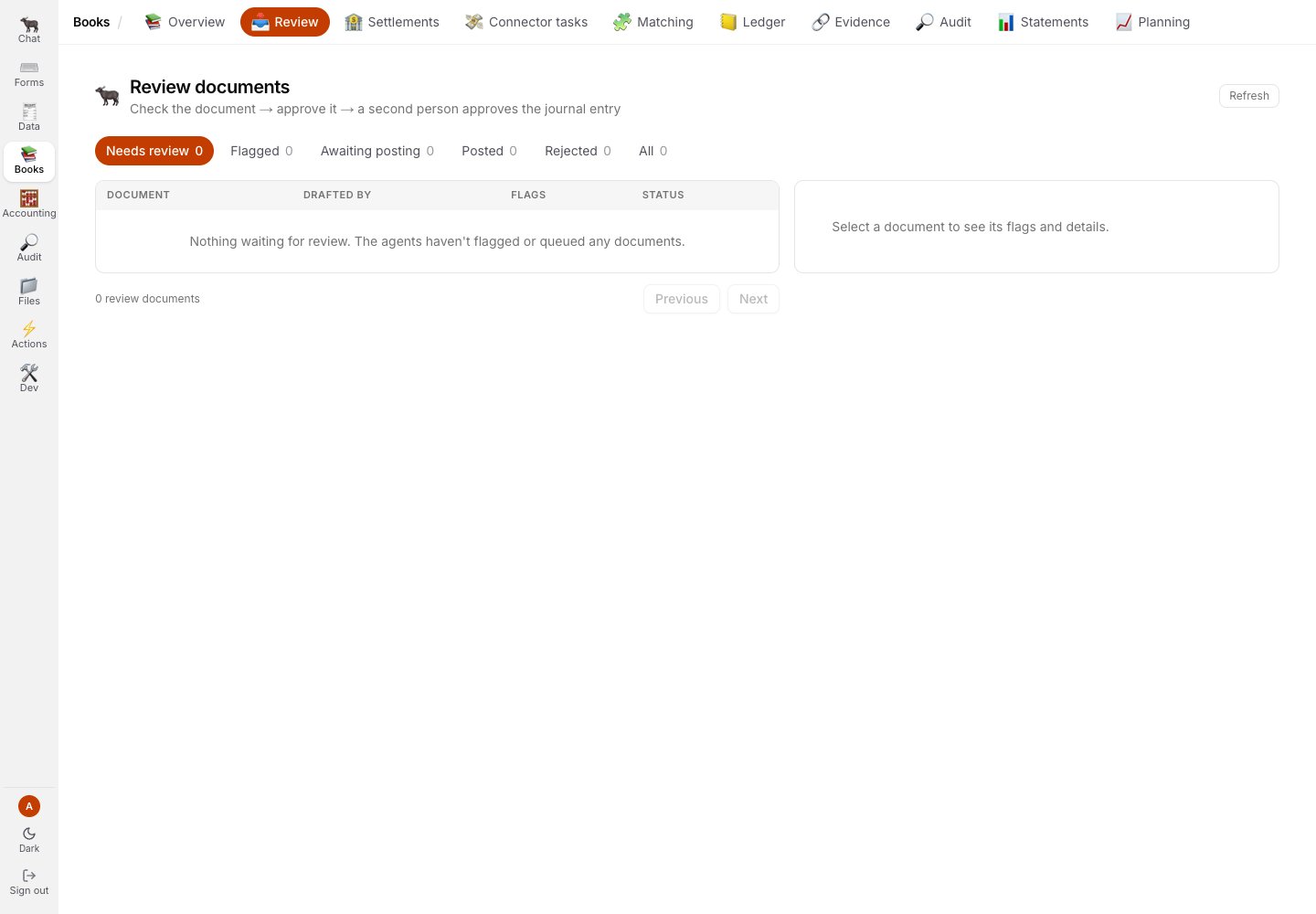
Review is the human intake queue. This demo state has no rows to act on.
Settlements and connector tasks
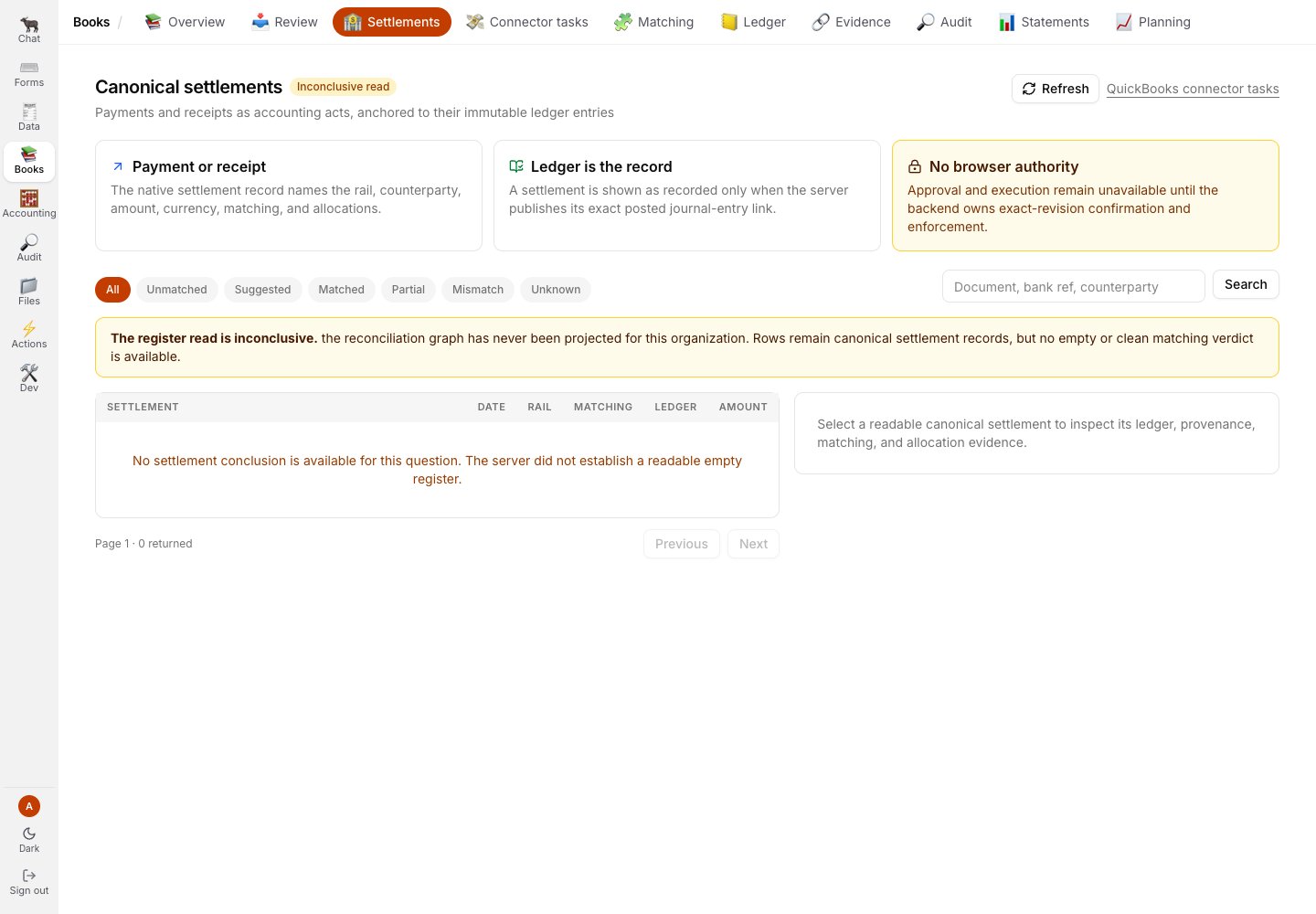
Settlements refuses an empty verdict when its read authority is unavailable: the result is Inconclusive.
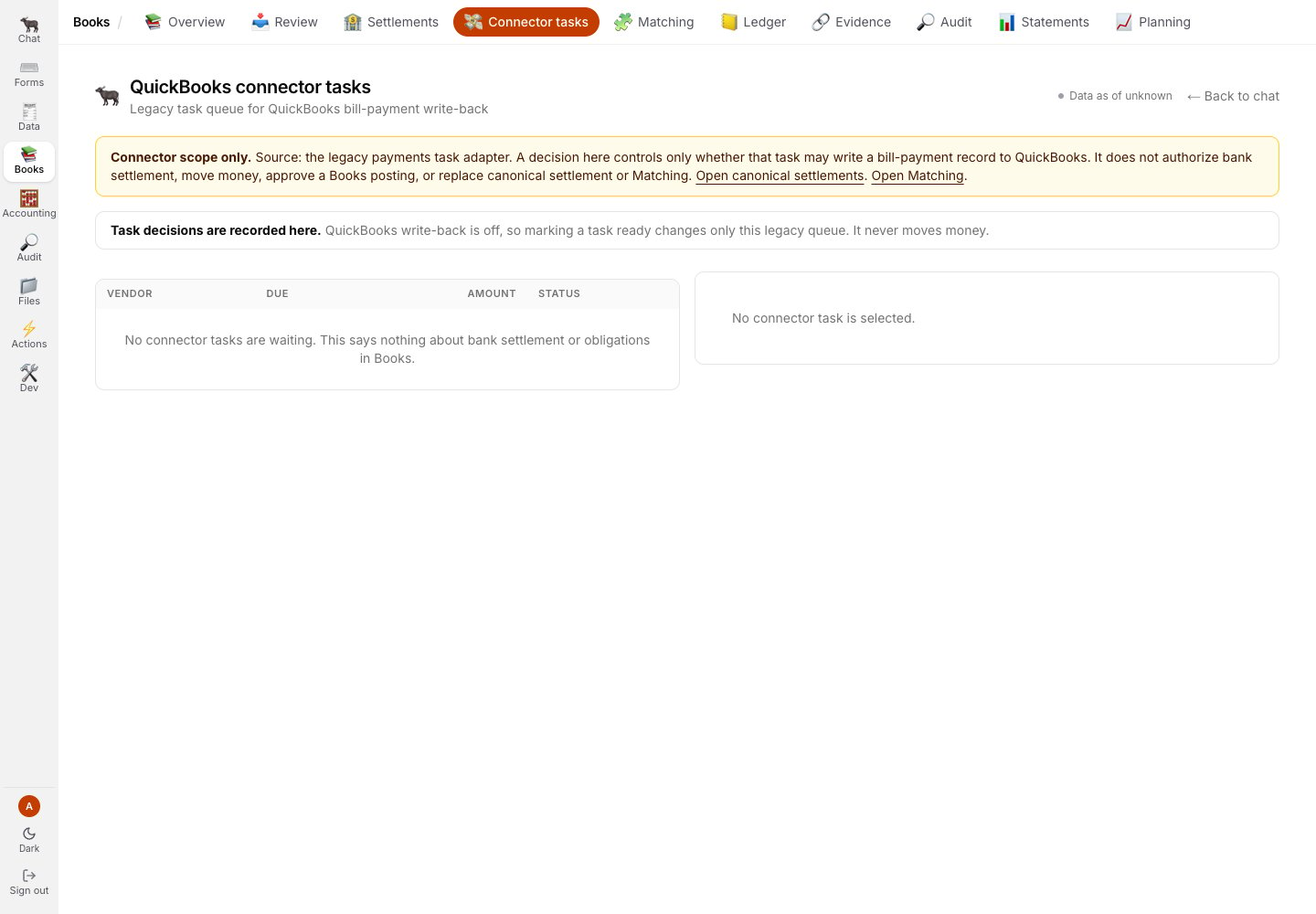
Connector tasks is a scope read only. The screen states that write-back is off and that no tasks were returned.
Matching
Matching has four independent facets. Each one keeps missing evidence visible rather than inferring that a chain is complete.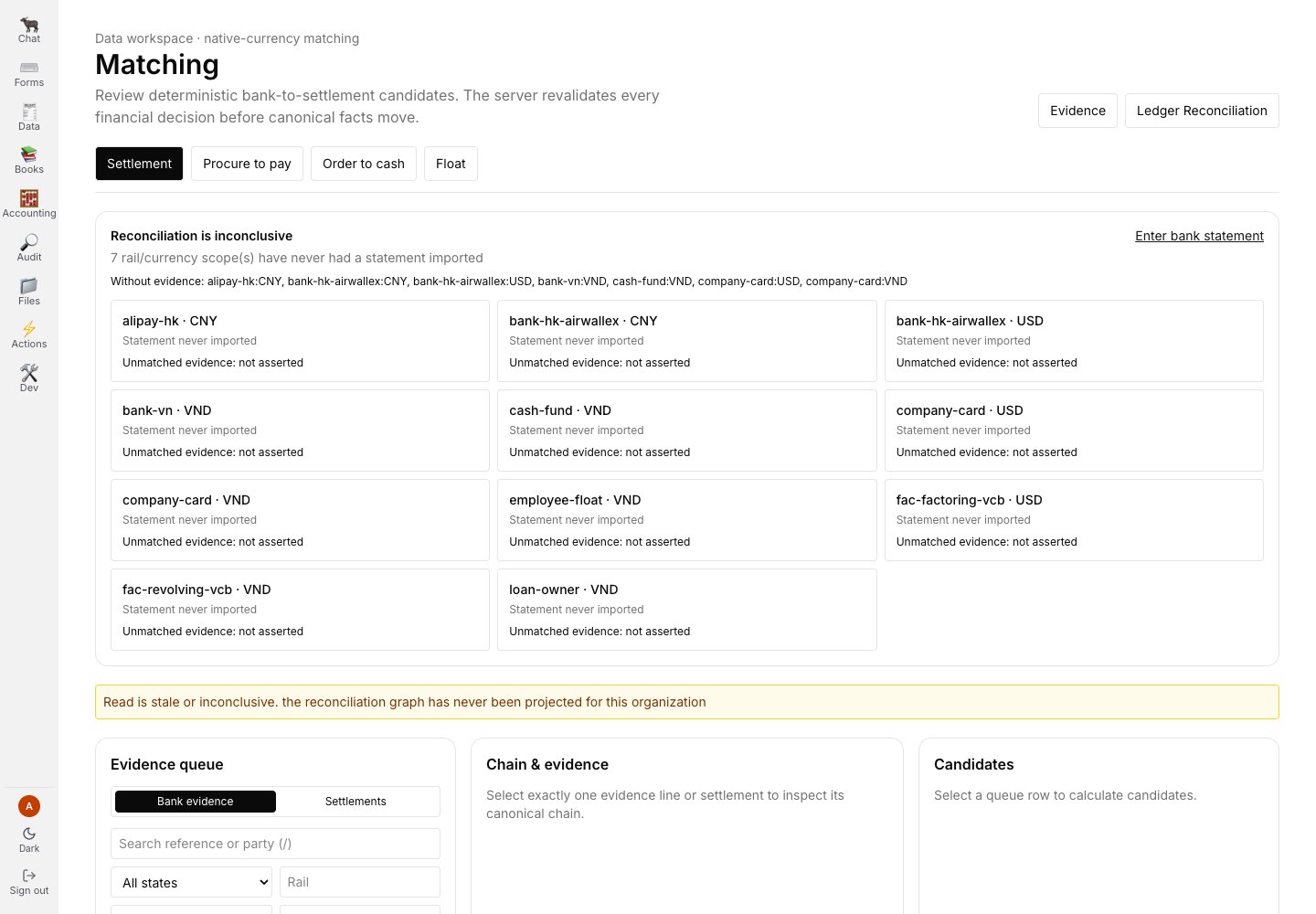
Settlement matching is inconclusive because no statement evidence was available.
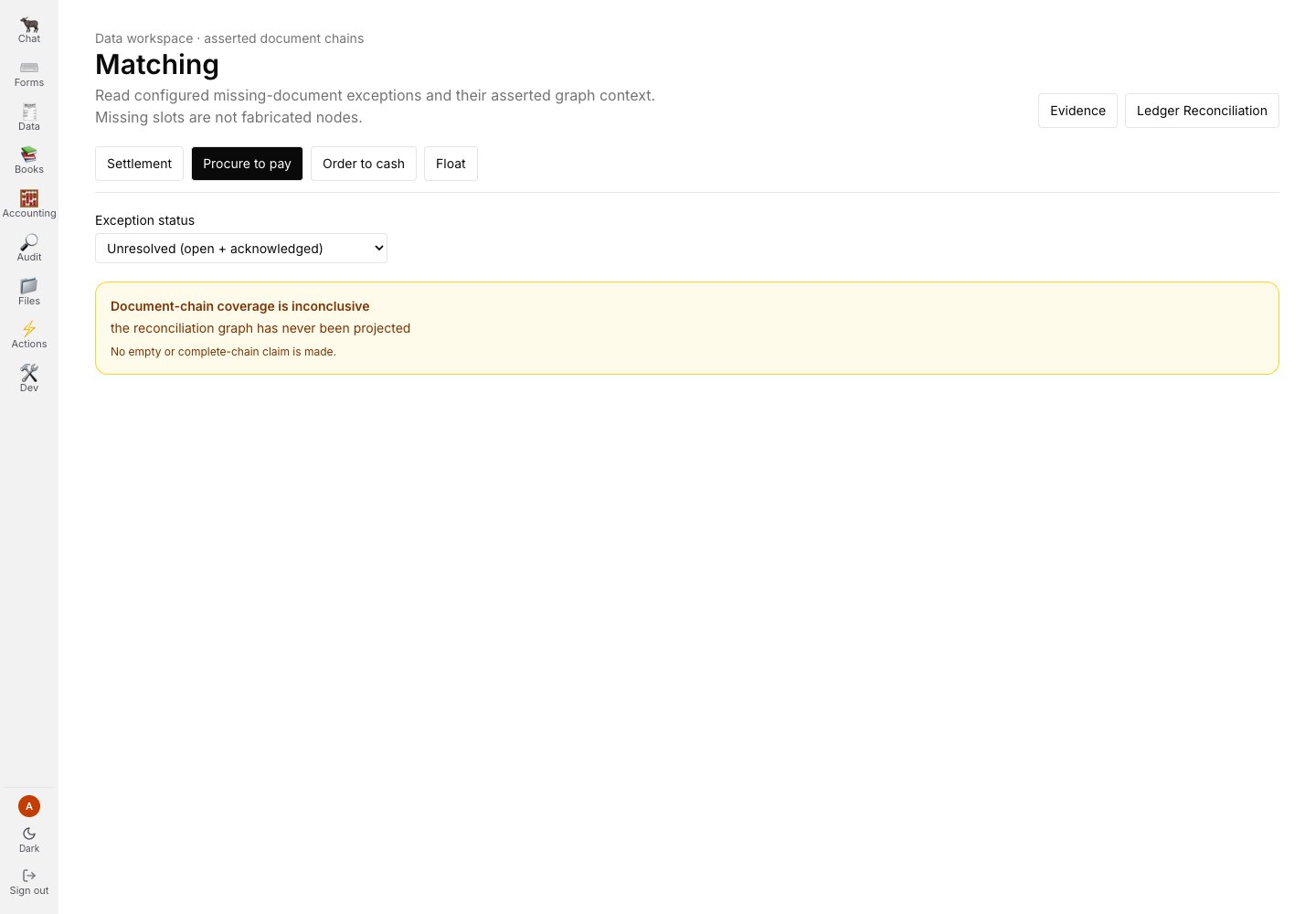
Procure to pay does not make a complete-chain claim without the required records.
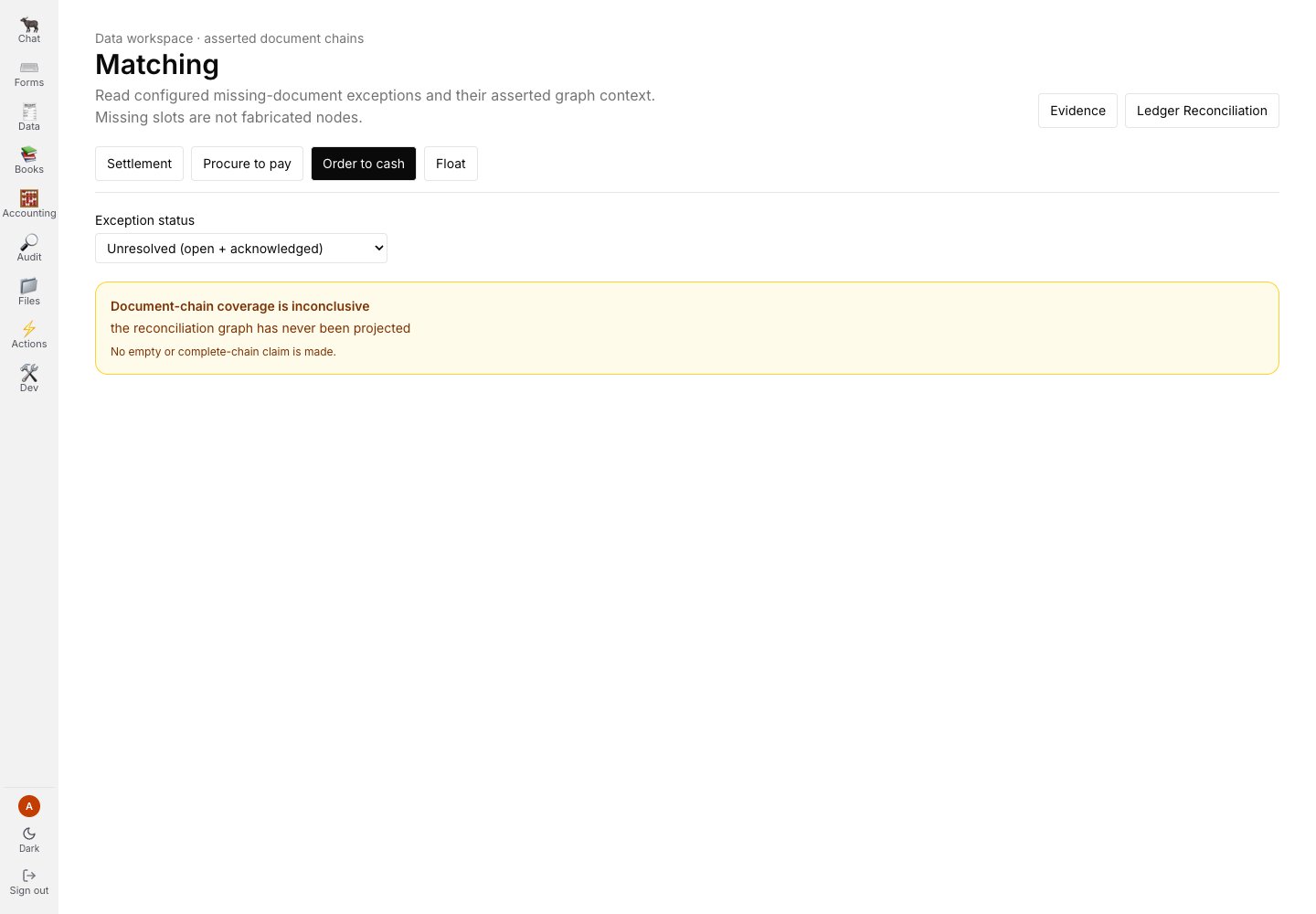
Order to cash reports the same absence independently for its own evidence chain.
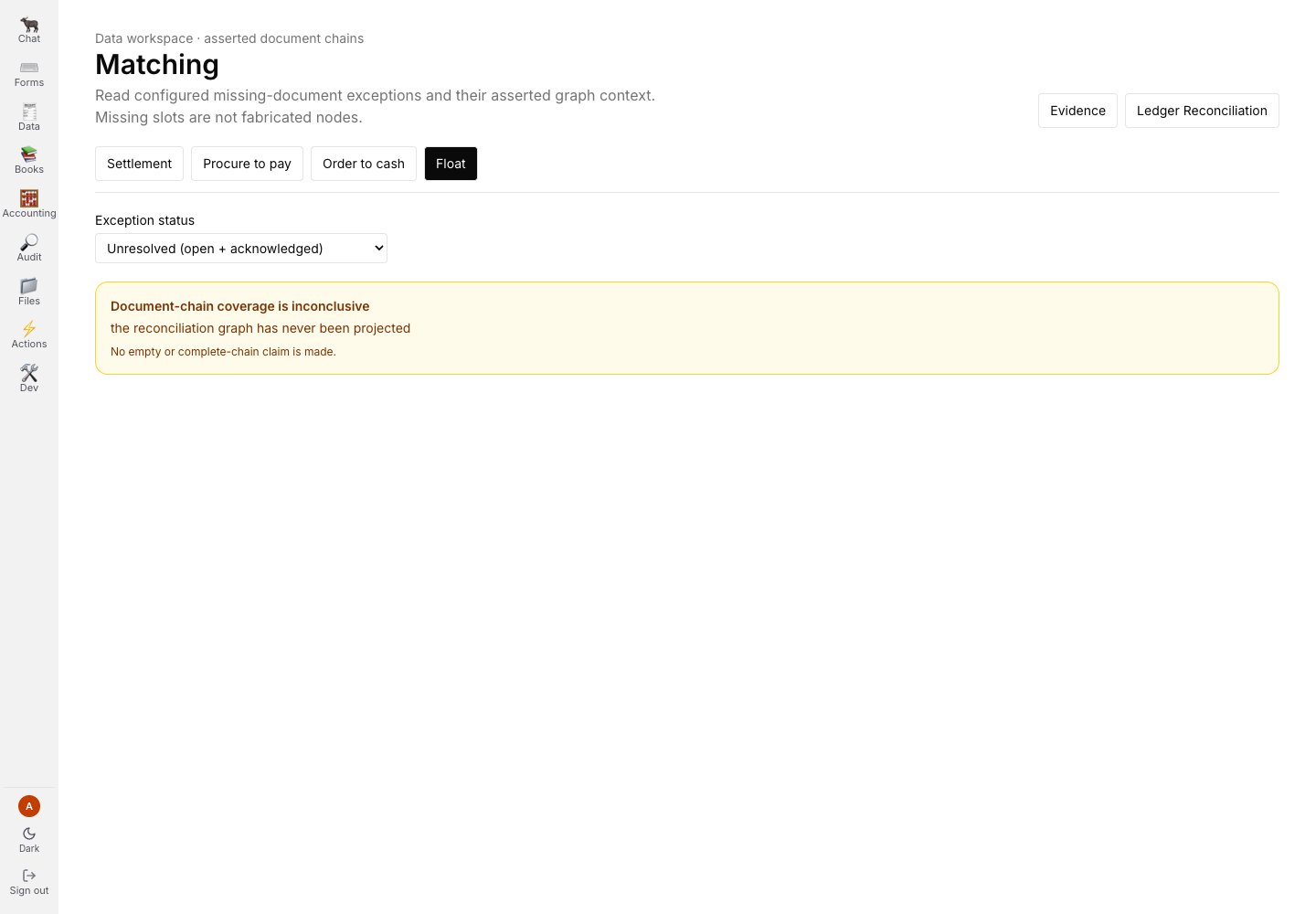
Float matching remains inconclusive rather than manufacturing a match from no evidence.
Ledger and evidence
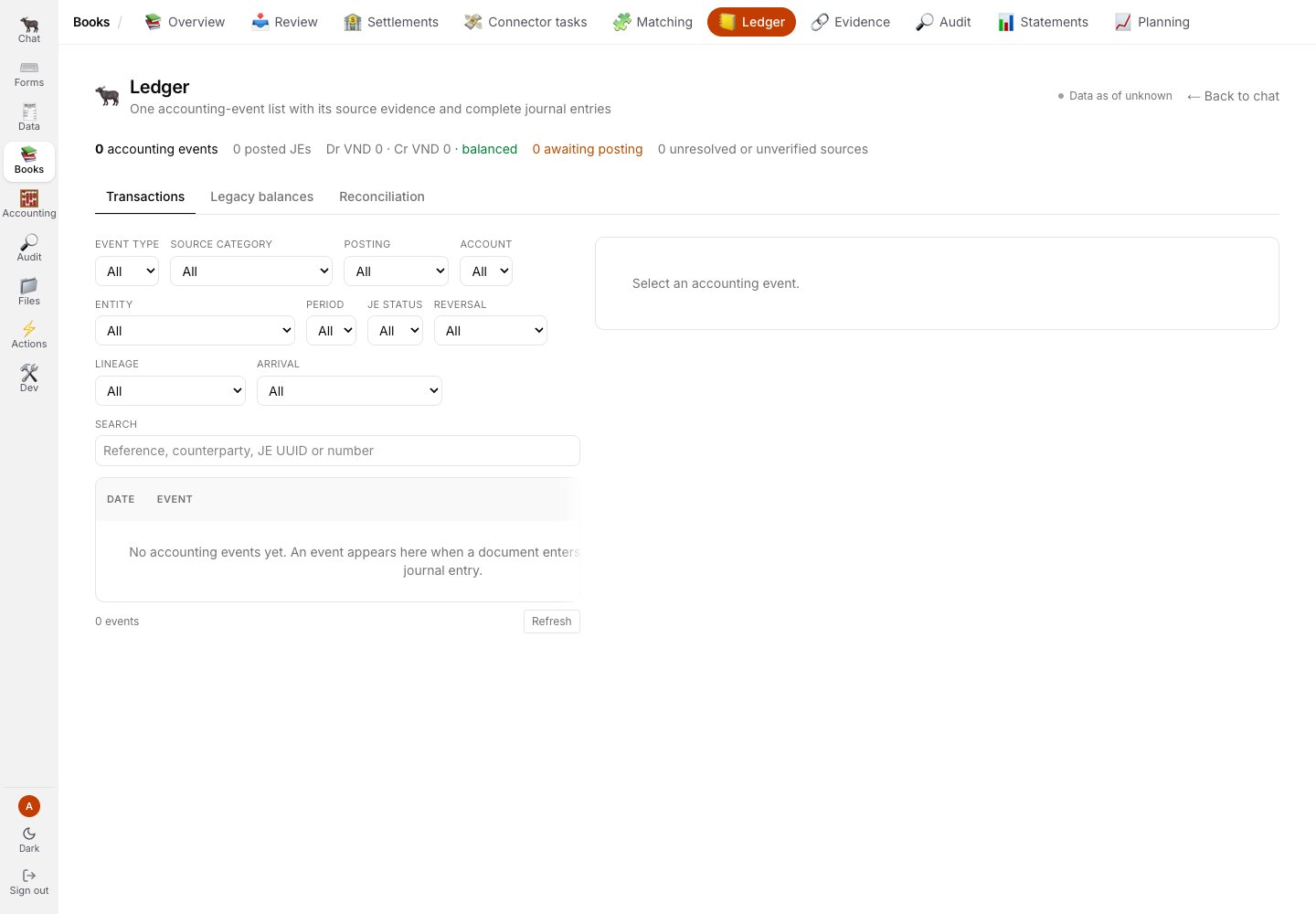
Transactions is the canonical event view; this local demo has no events in the selected scope.
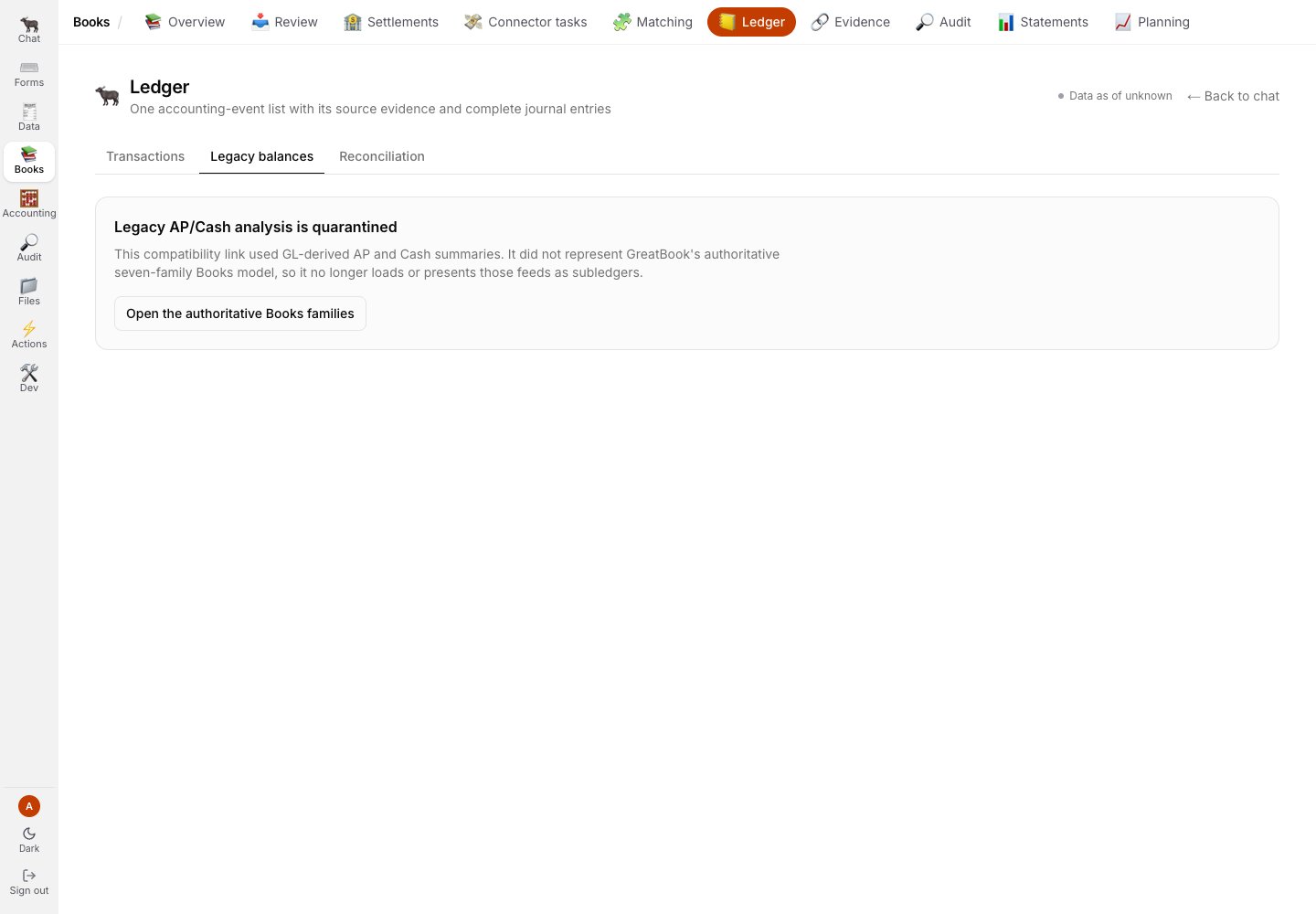
Legacy balances are visibly quarantined from canonical events.
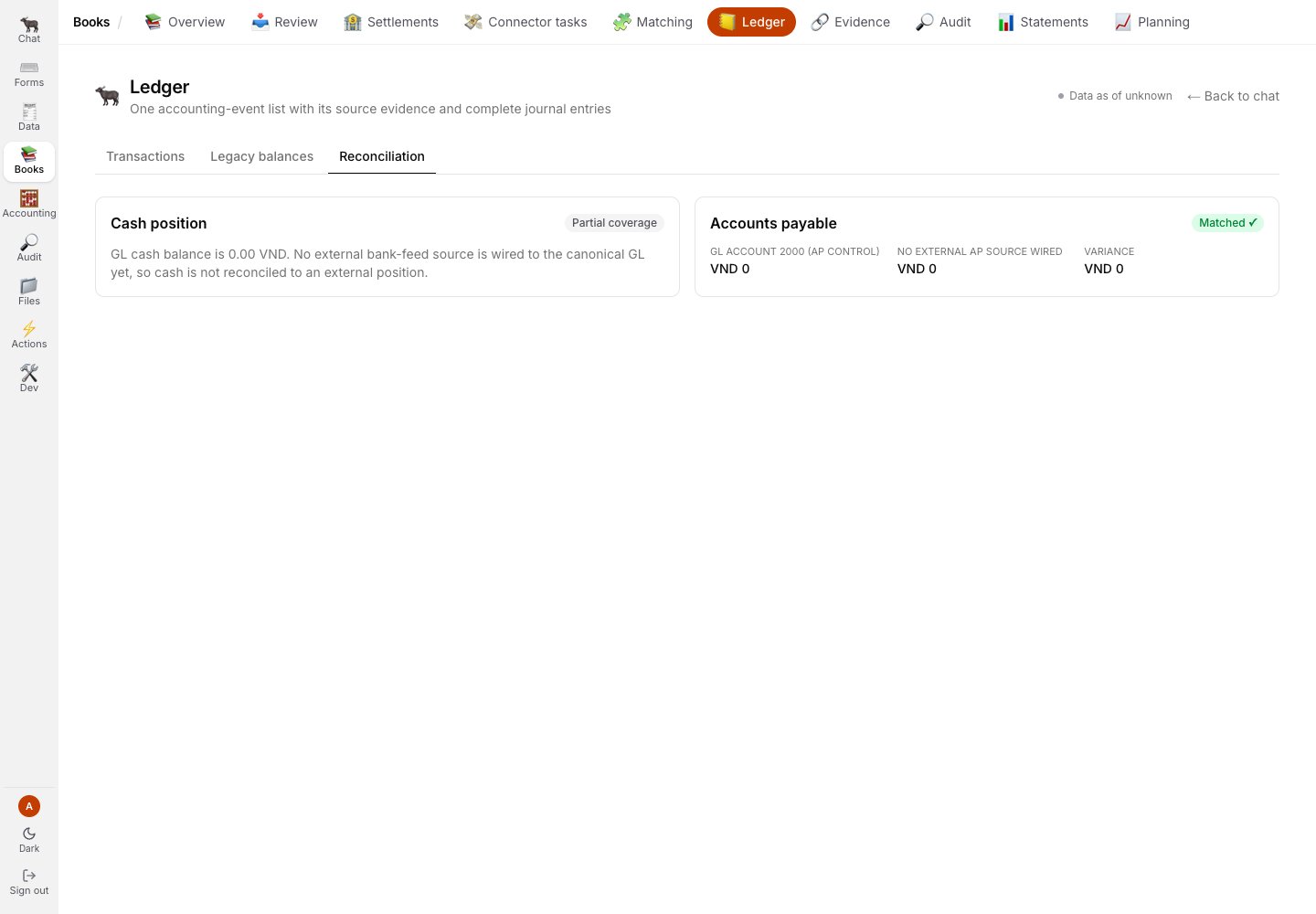
Reconciliation reports coverage by rail; partial cash coverage is not promoted to complete.
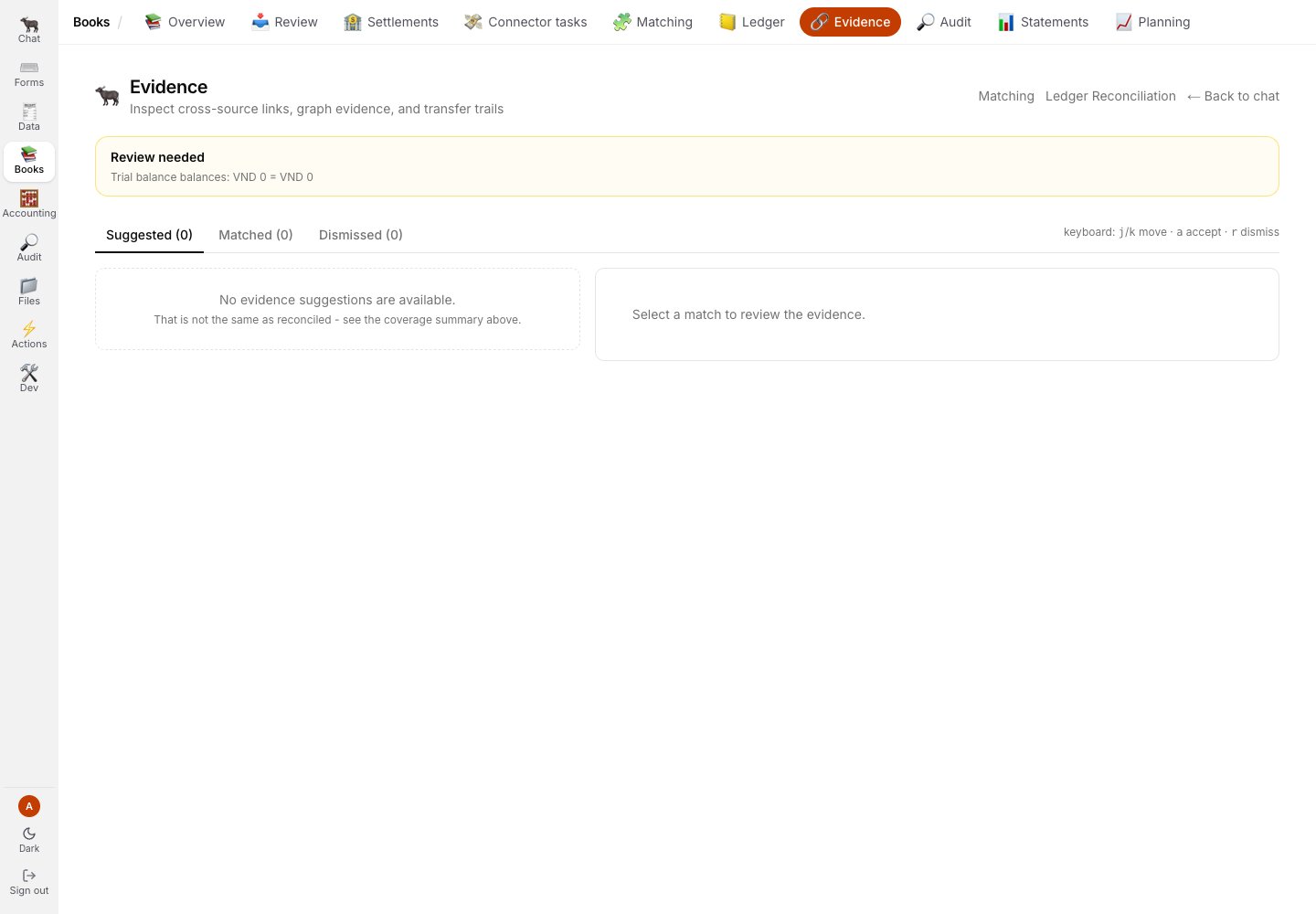
Evidence says Review needed and explains that no suggestions do not prove reconciliation.
Statements and planning
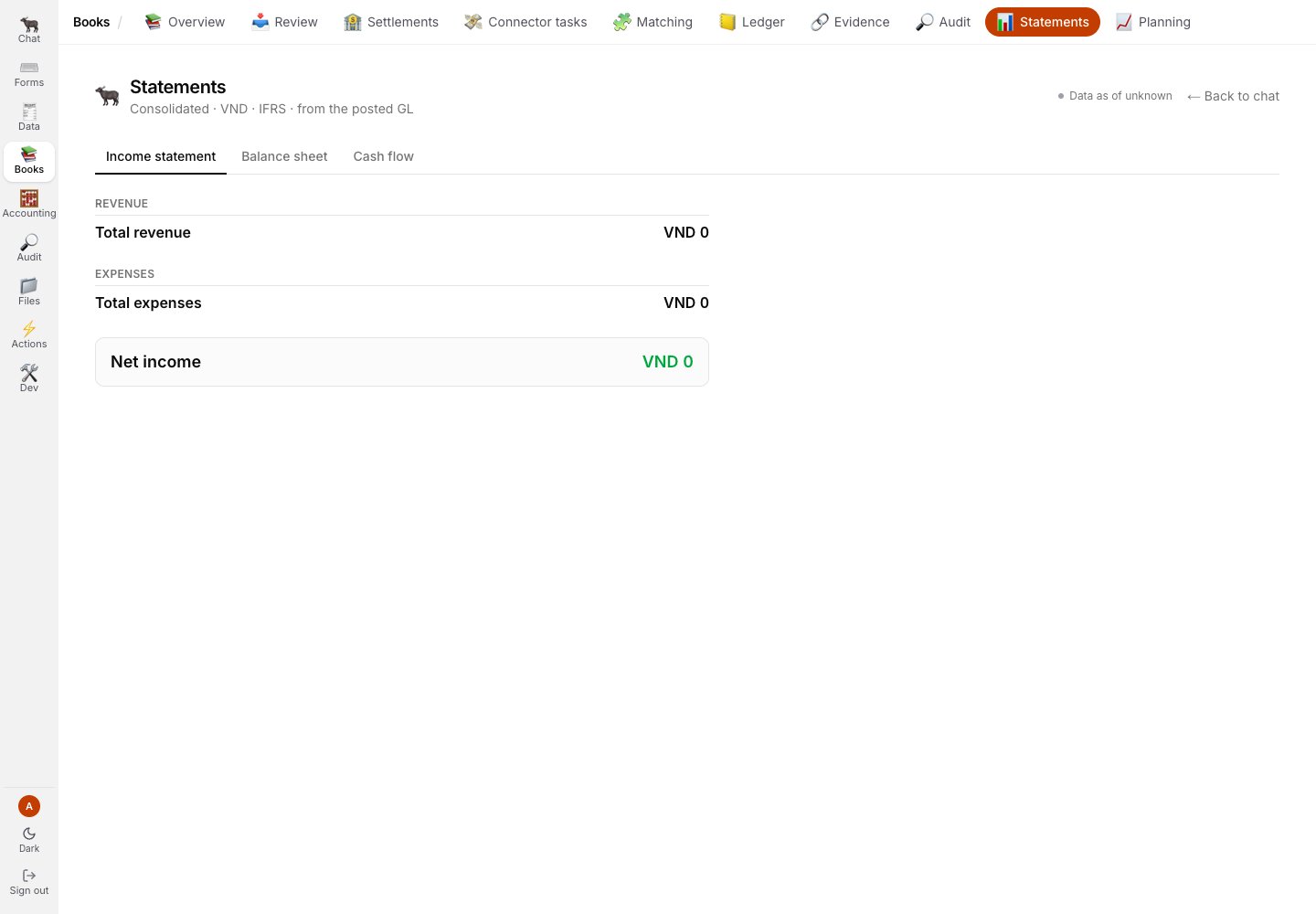
Income statement is one of three statement tabs.
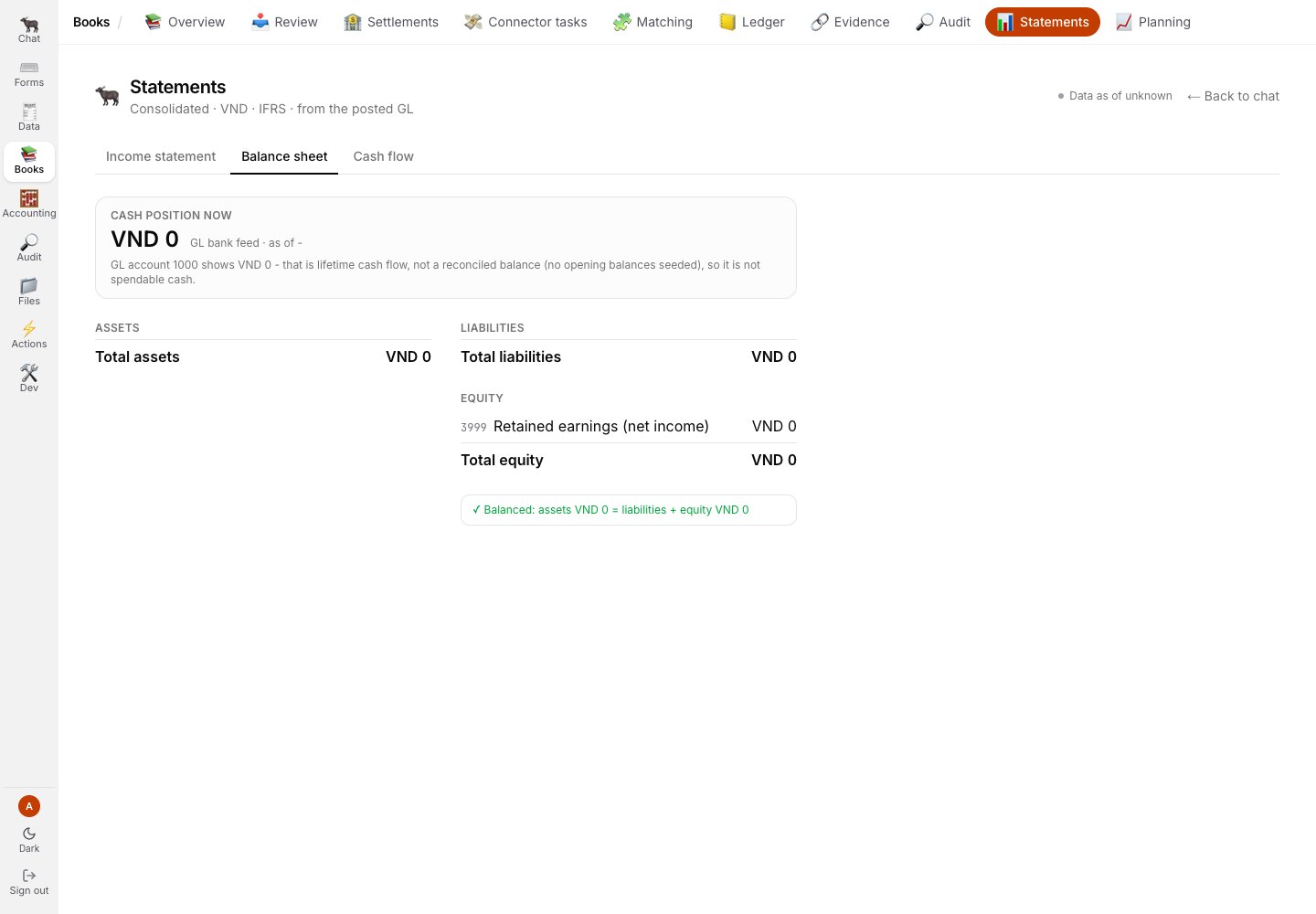
Balance sheet keeps the balancing verdict next to the reported values.
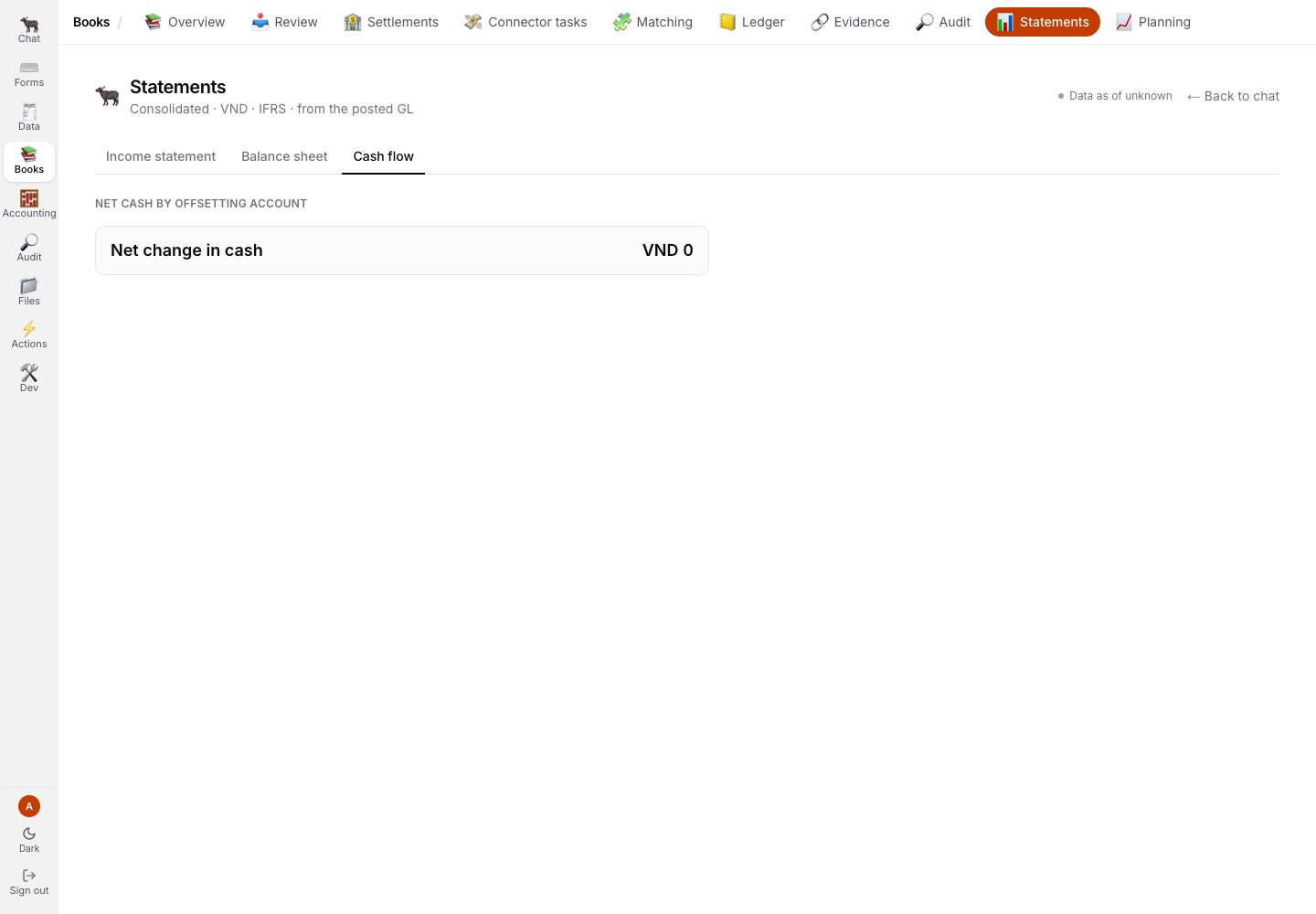
Cash flow is presented as its own statement, not inferred from the other two.
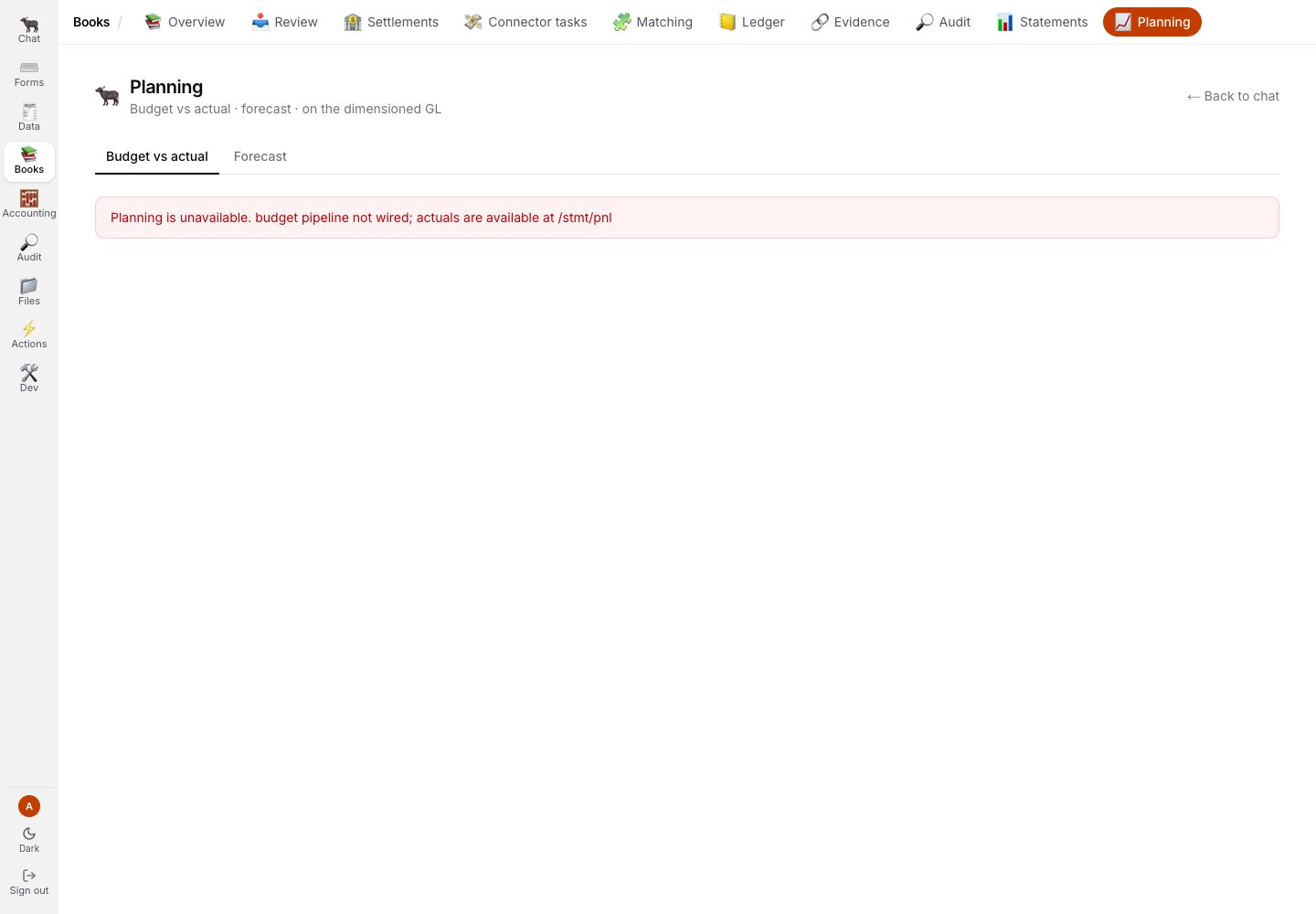
Budget versus actual is unavailable because its pipeline is not wired; the screen says so directly.
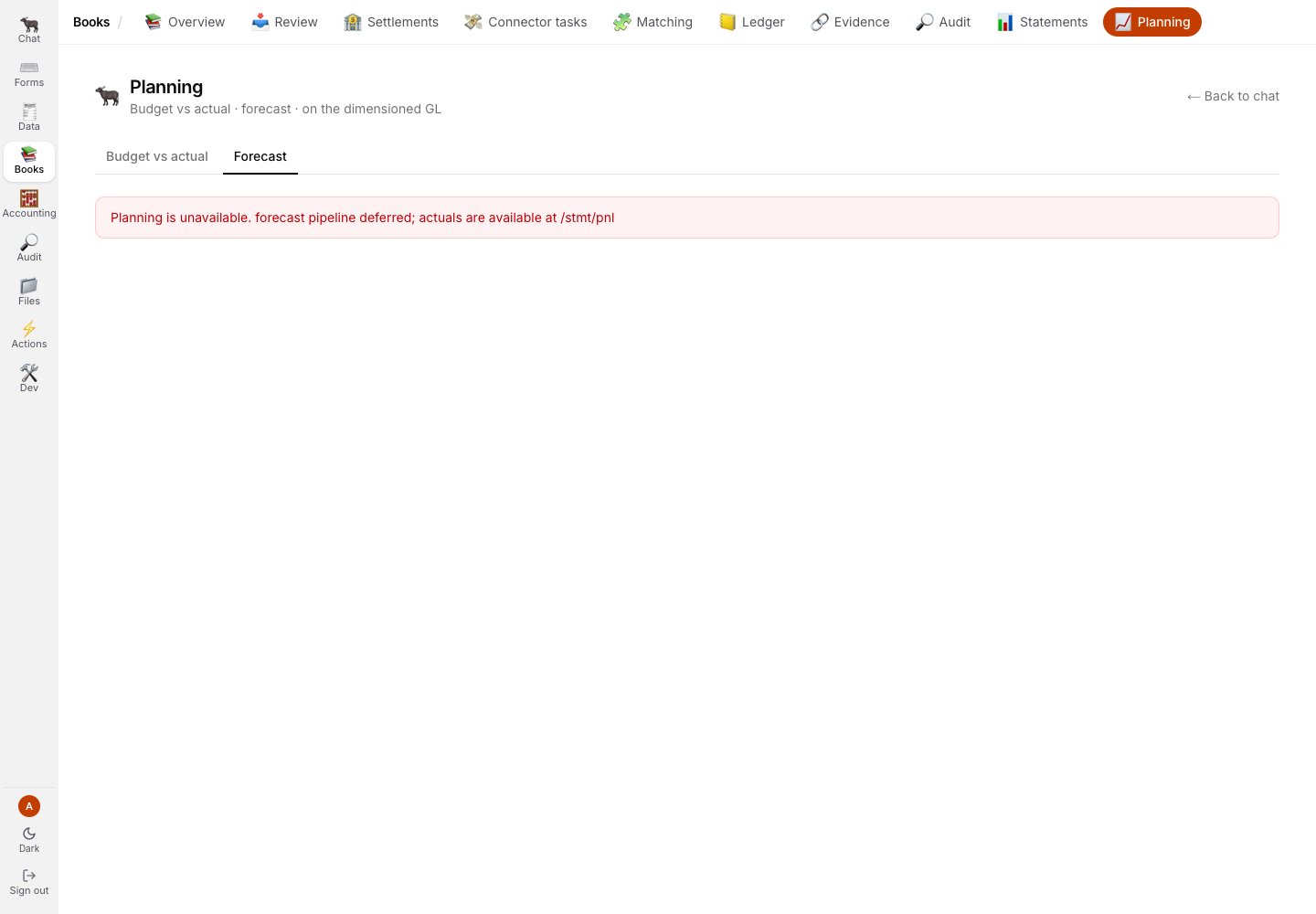
Forecast is also unavailable and names the deferred pipeline instead of displaying an empty forecast.
Accounting
Accounting is a read-oriented desk over close, analysis, workpapers, and the same Statements and Planning surfaces shown above.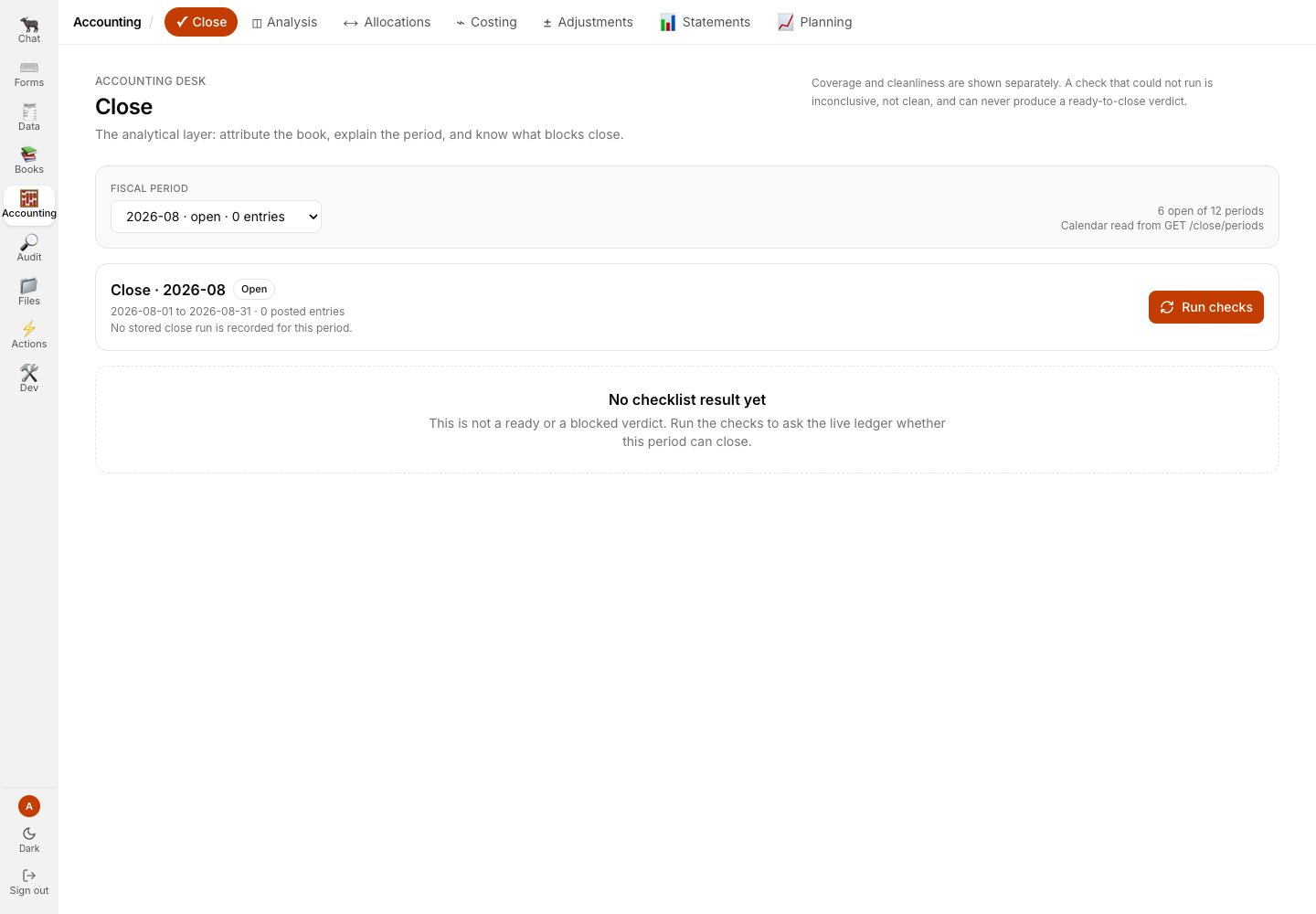
Close has no checklist result in this demo and does not turn that absence into a ready verdict.
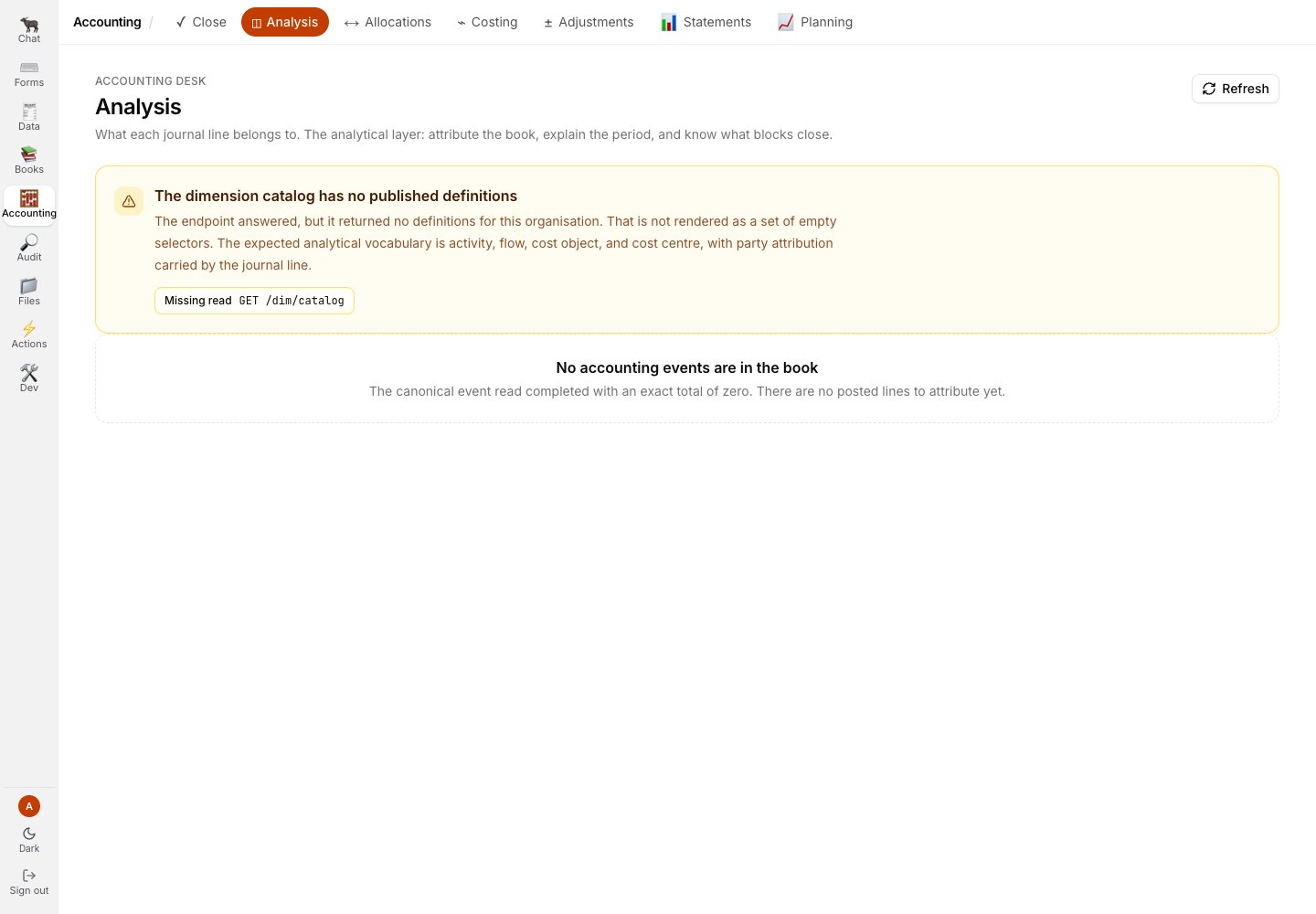
Analysis exposes the dimension catalogue and says when no definitions have been published.
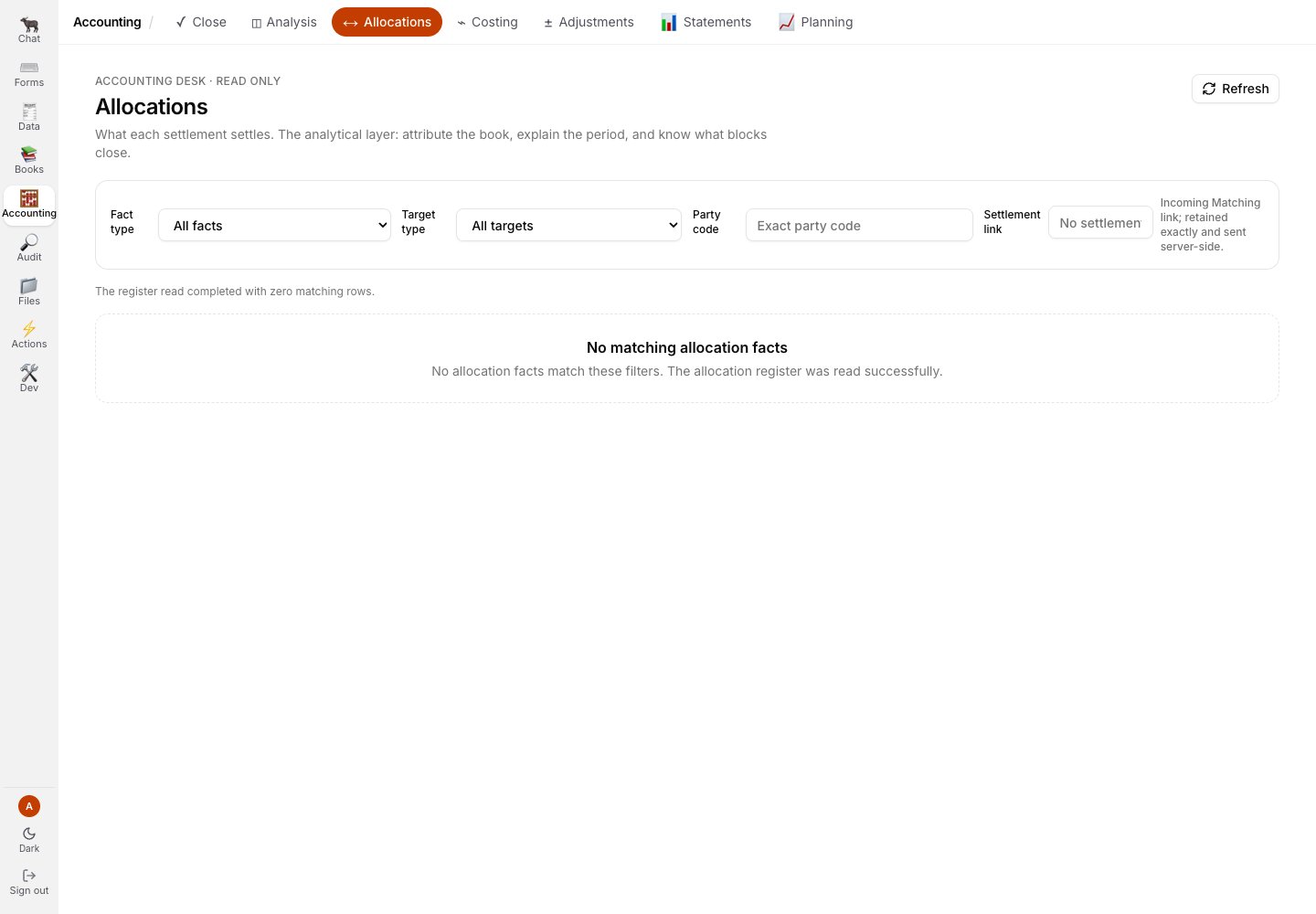
Allocations is explicitly read-only in this surface.
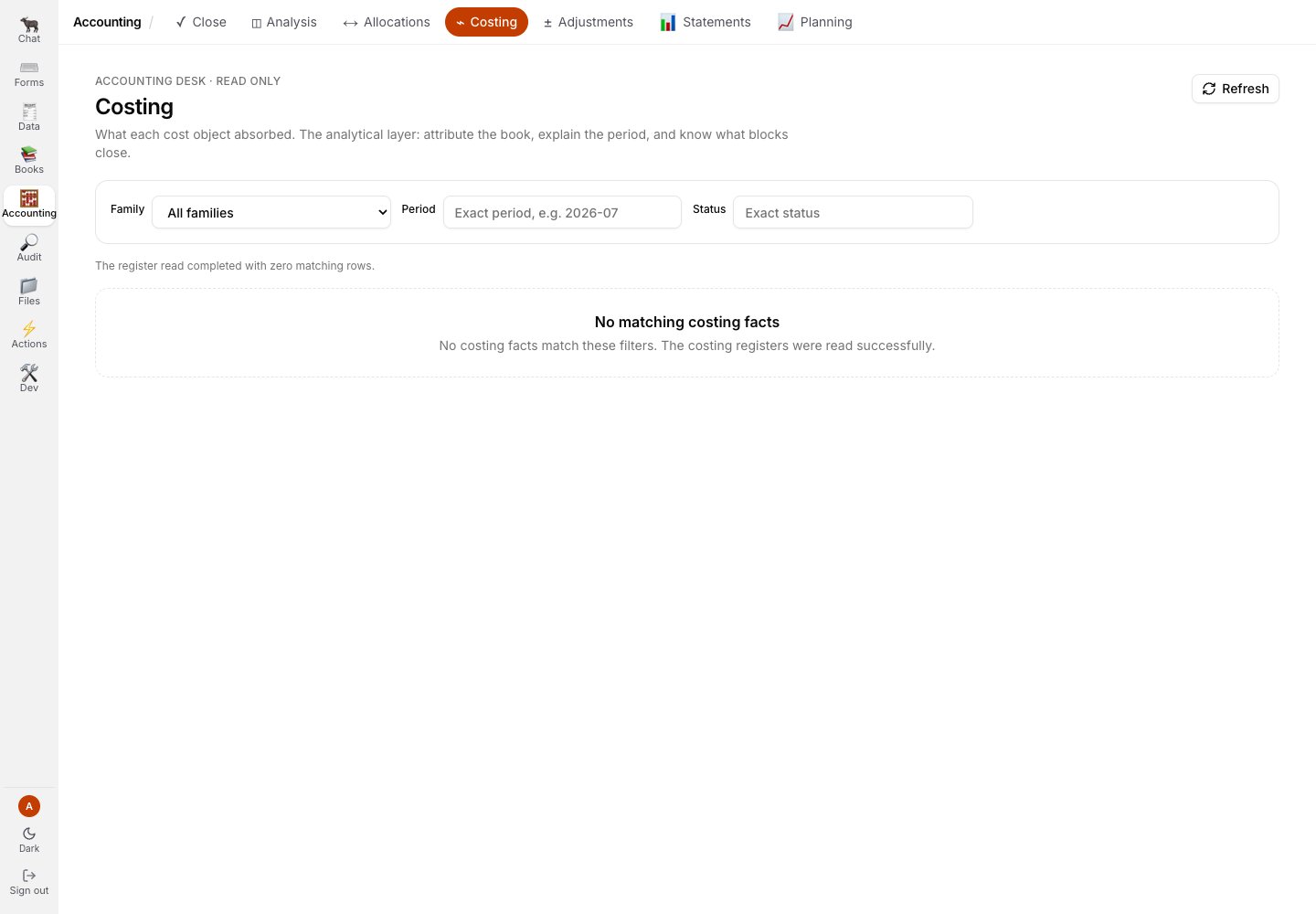
Costing is also read-only and reports the facts it actually received.
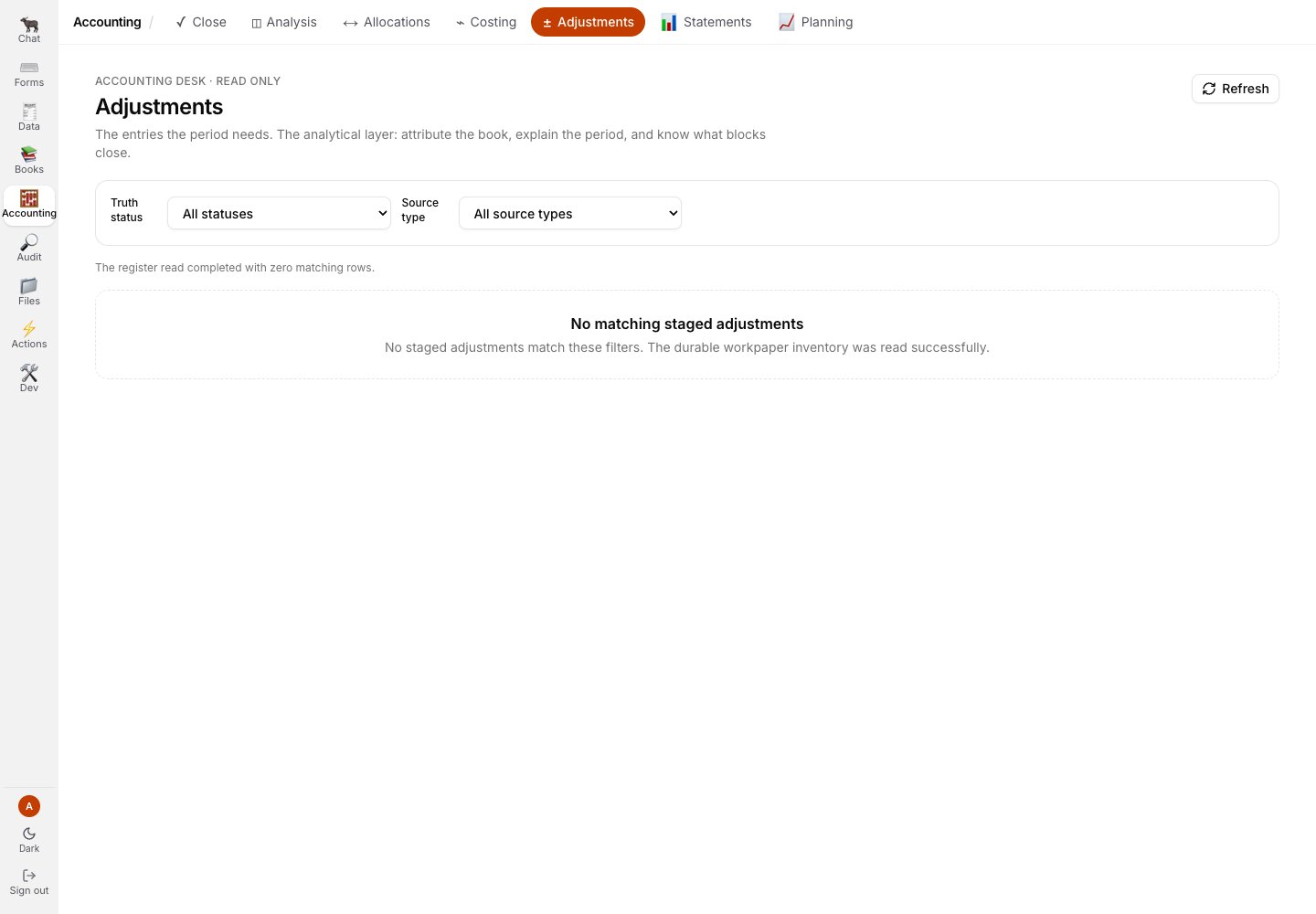
Adjustments keeps proposed work separate from posted ledger events.
Audit
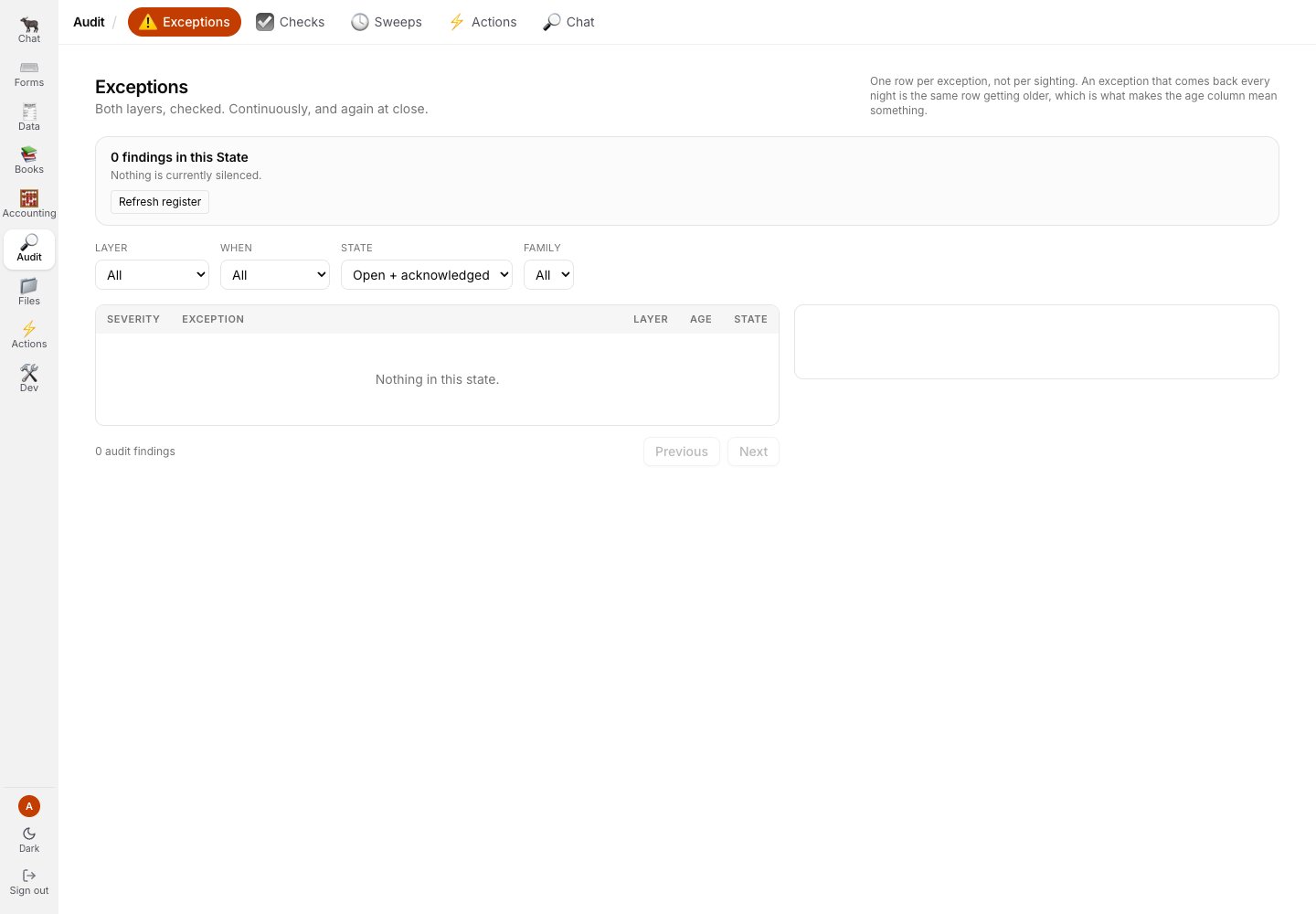
Exceptions is the assurance finding register; this demo has no findings and nothing silenced.
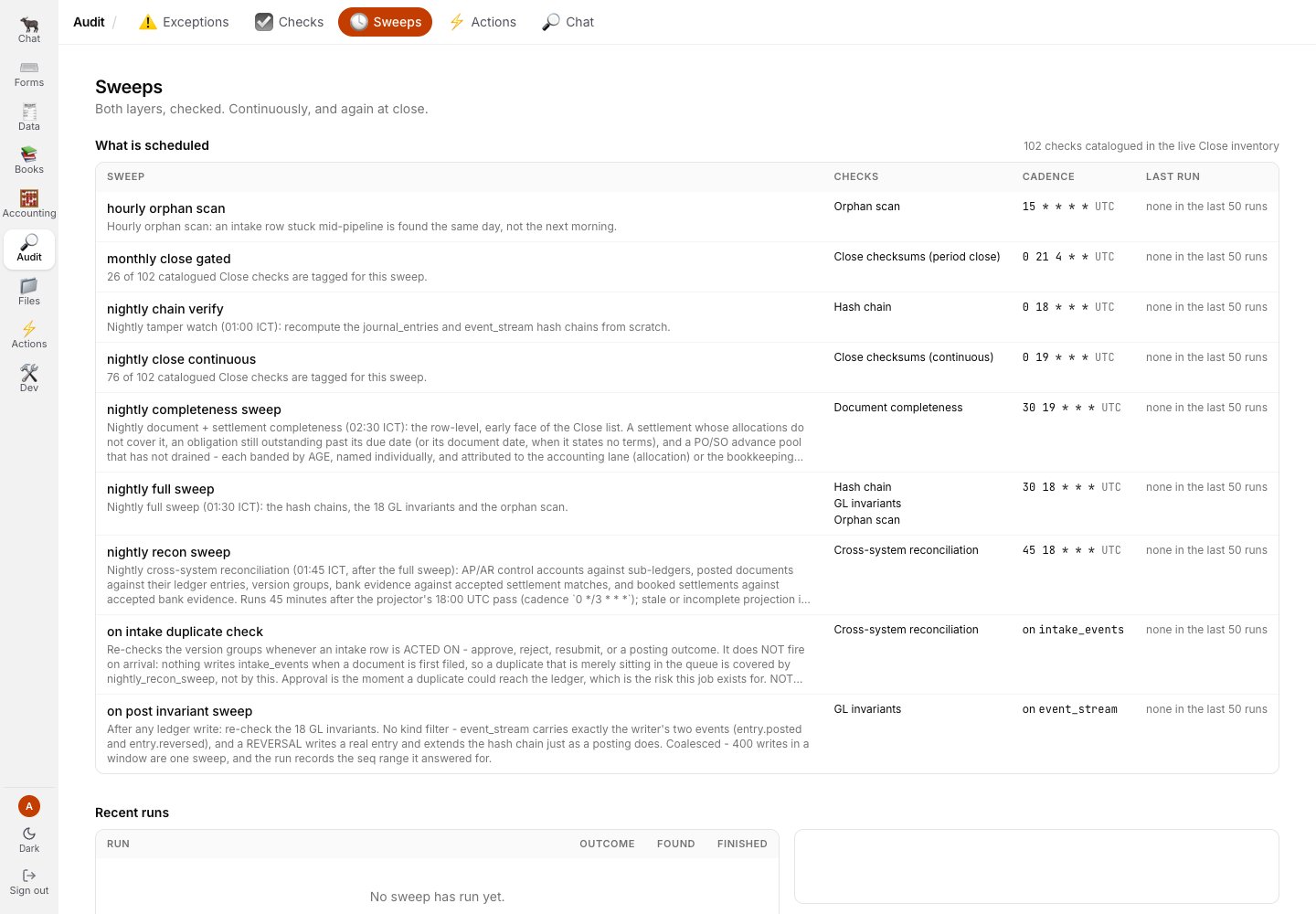
Sweeps shows the scheduled assurance families and makes the absence of recent runs explicit.
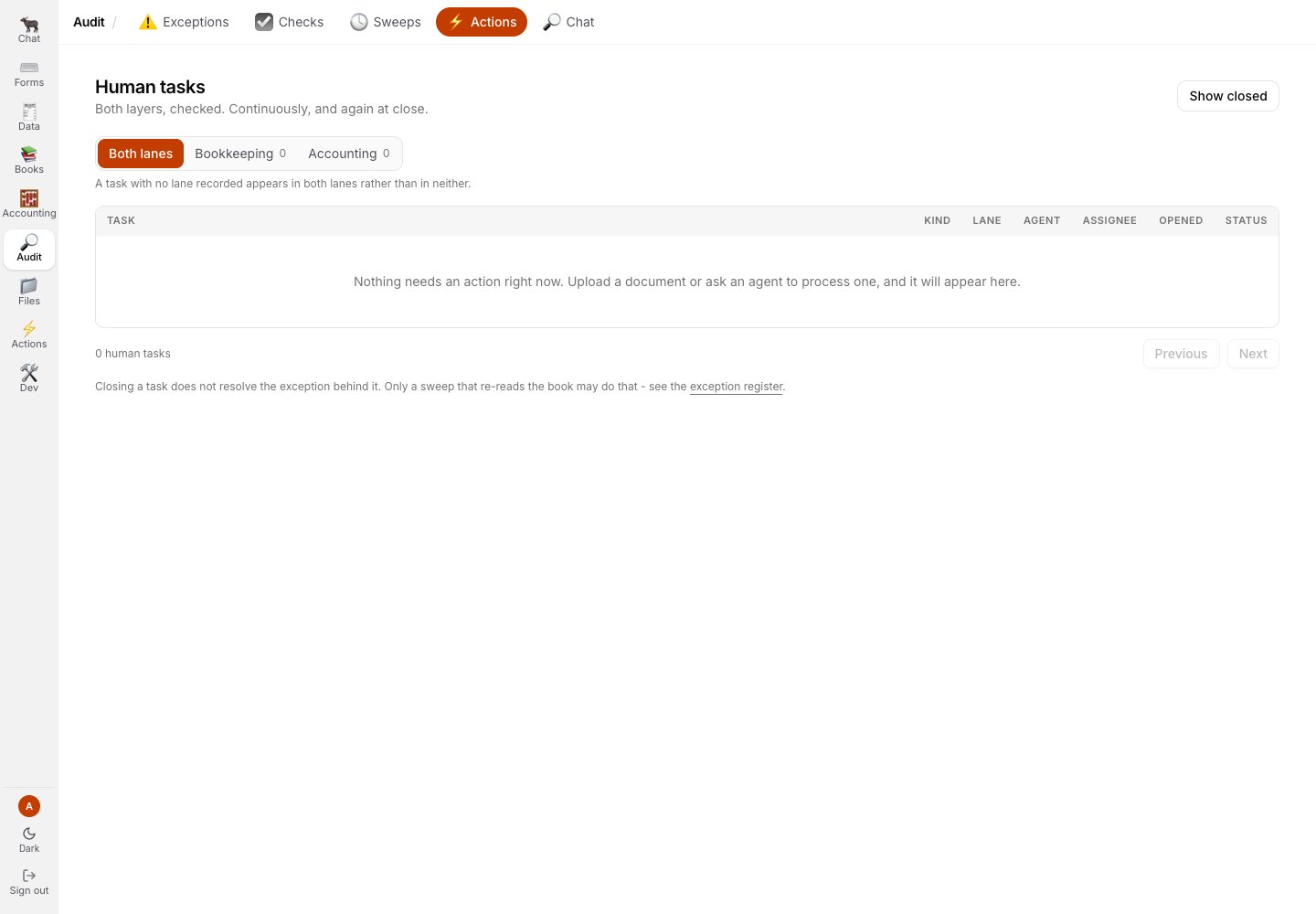
Audit Actions is the human worklist over findings, separate from the agent-run inbox on the rail.
Files
Timeline was reachable, but its local demo rows contained an identity on the retired product domain. That capture is withheld rather than edited.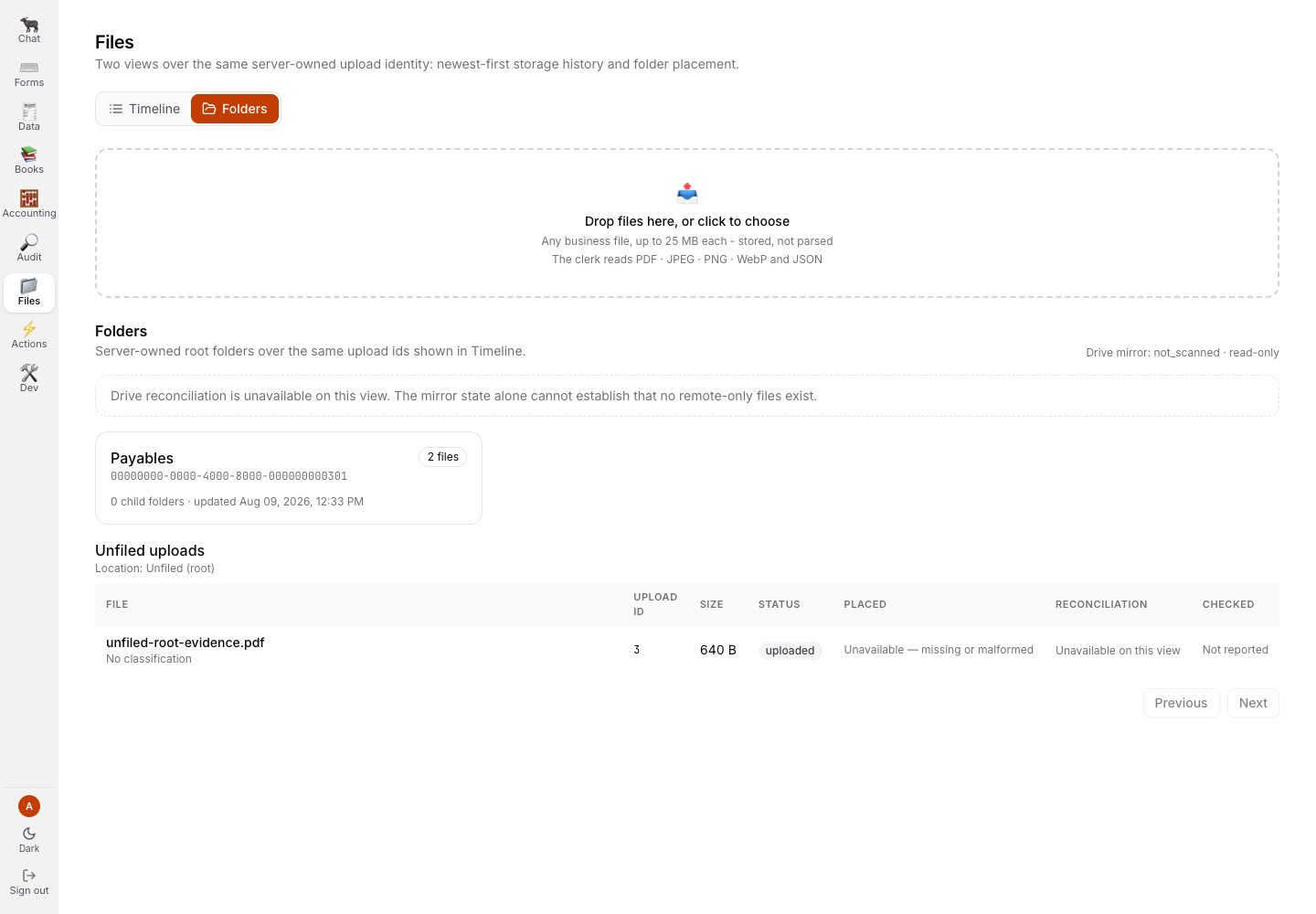
Folders keeps unfiled evidence visible and reports that the external mirror was not scanned.
Actions
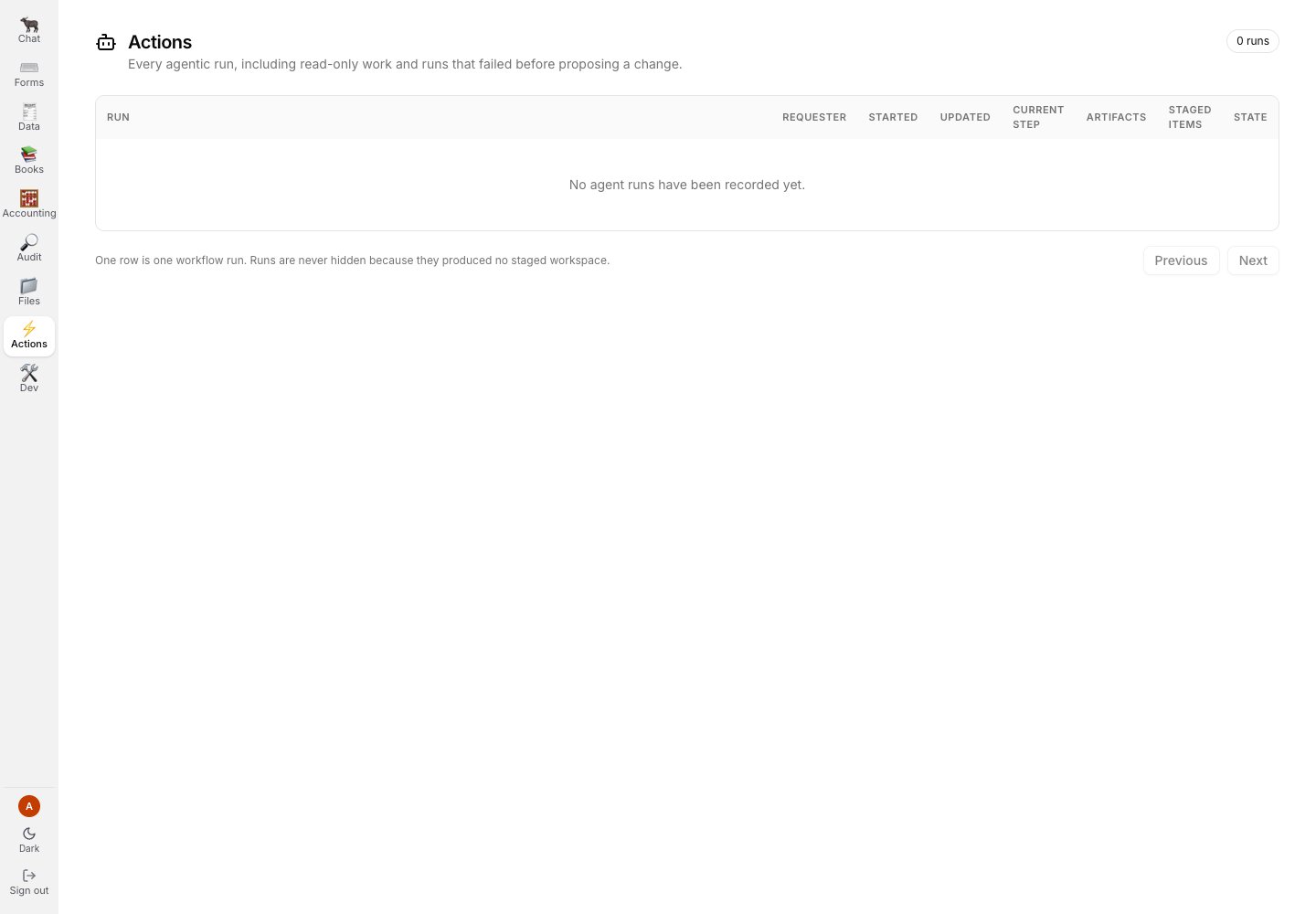
The rail-level Actions page is the run ledger for agent work; no runs were returned in this demo scope.
Dev
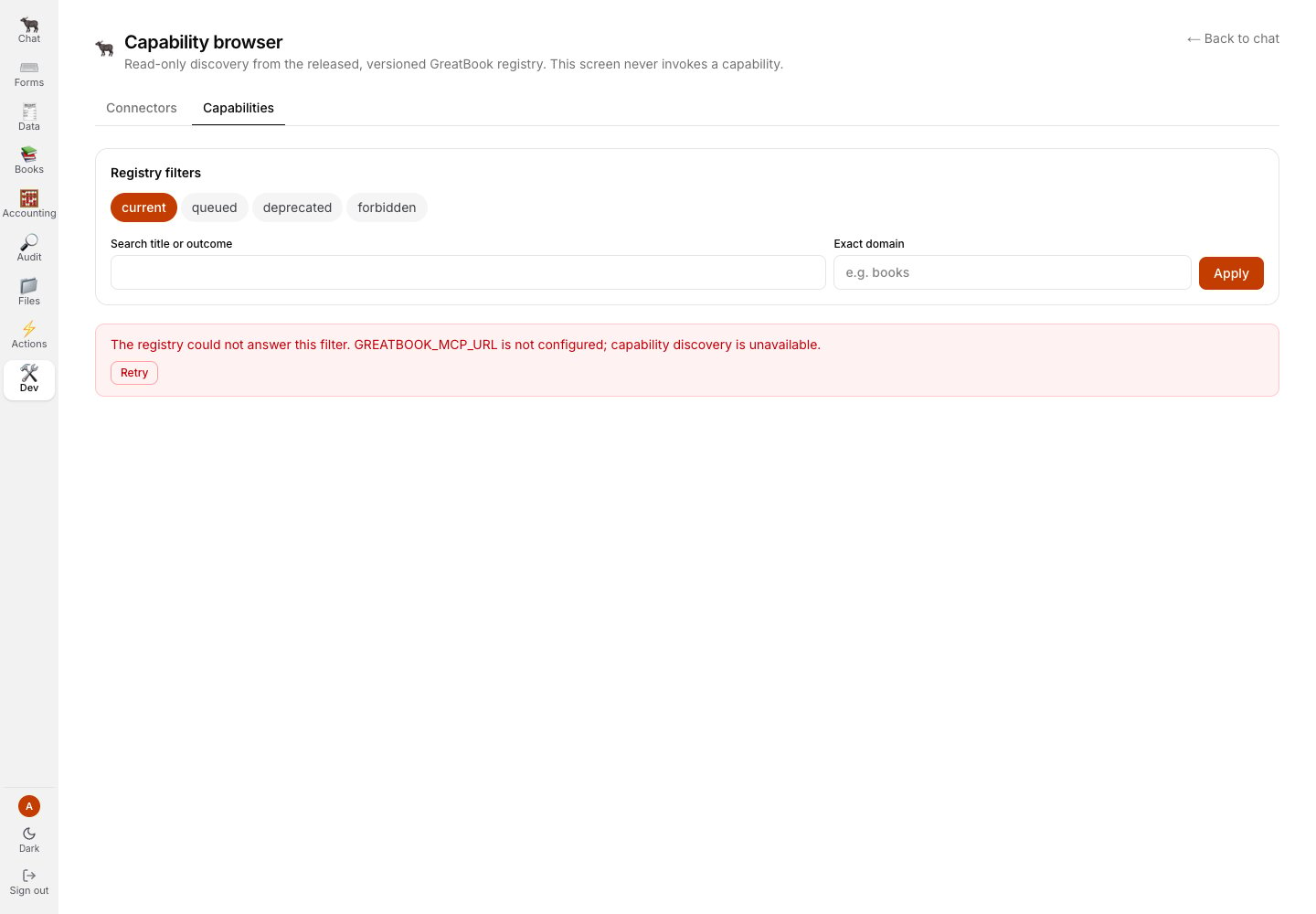
The capability browser refuses discovery when its registry endpoint is not configured.