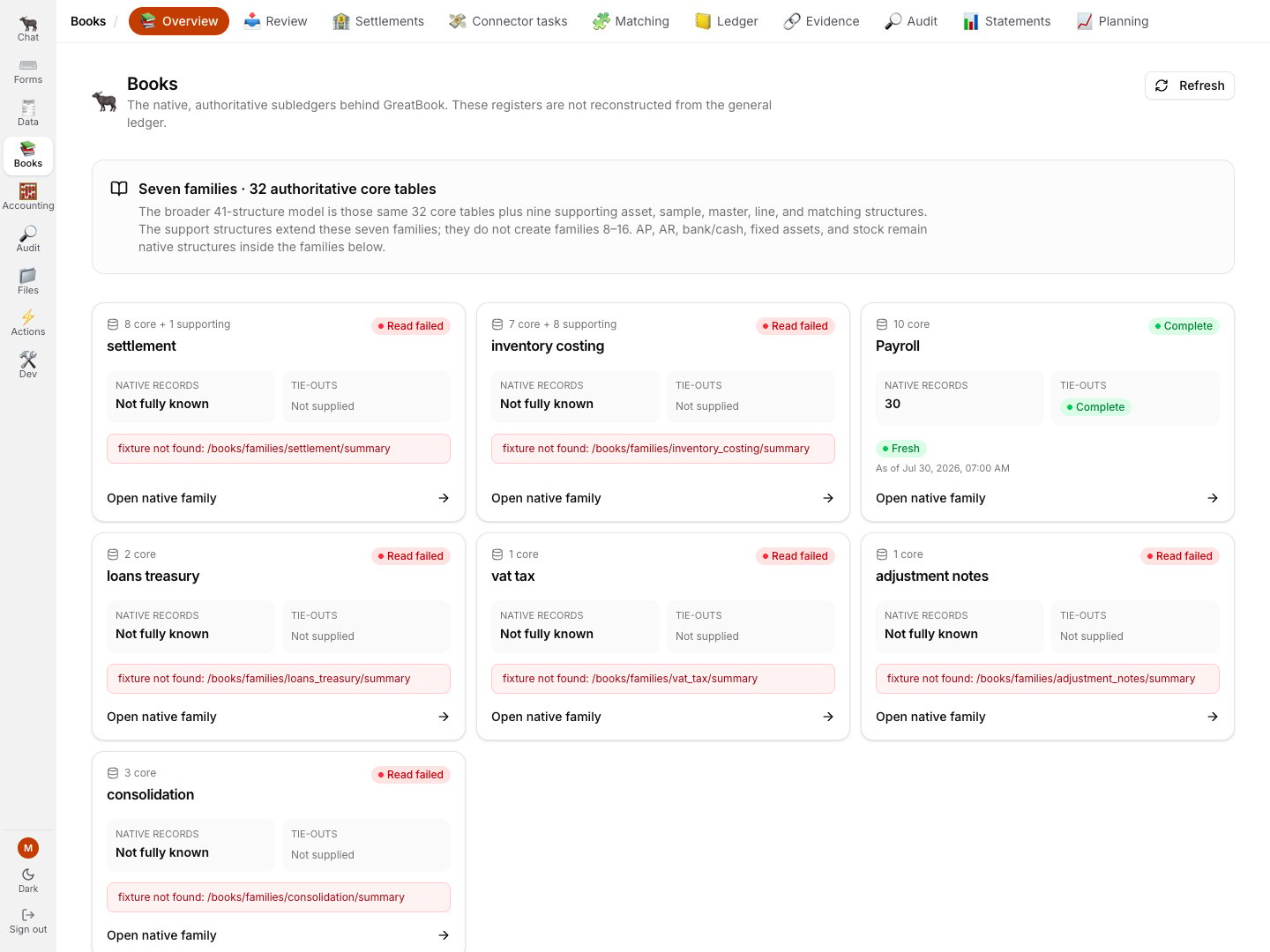
Books has one shared destination catalog.
Transactions is the Ledger’s child view, while Audit is an explicit cross-link out of Books.
Entry
URL
What it is
Overview
/books
every Books screen as a card, with a one-line description
Review
/books/review
the review inbox and both gates
Settlements
/books/settlements
the canonical read-only payment and receipt register
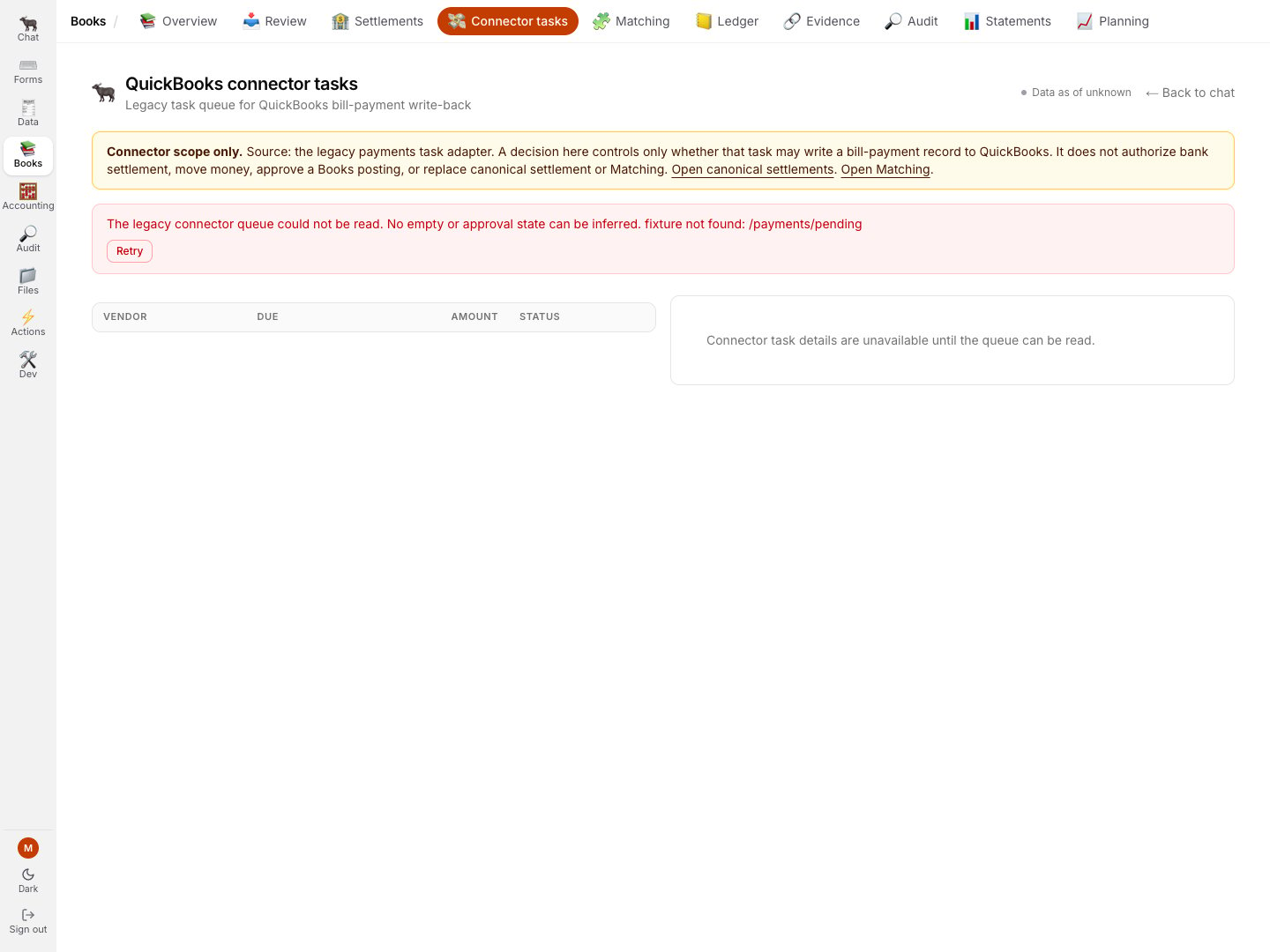
Connector tasks
/books/payments
the inactive legacy QuickBooks task queue, not settlement authority
Ledger
/books/ledger
Transactions, legacy Subledgers and Ledger Reconciliation
Evidence
/books/reconciliation
cross-source graph evidence and transfer trails
Audit
/audit
cross-link to exception and sweep evidence
Statements
/books/statements
the financial statements
Planning
/books/epm
budget versus actual
Books → Overview in the credential-free demo. One family is complete; six missing responses remain visible failures instead of empty cards.
Transactions is the default Ledger view, not a Books entry of its own.
If you are looking for what used to be Txns, it is
Ledger → Transactions, and it is now populated.
The redundant Journal list is retired; its compatibility address and exact entry links resolve into Transactions.
Evidence, Matching and Ledger Reconciliation are three separate jobs.
Review and Ledger are where the work happens and have their own guides.
Here is what the others are for, so you know which are live today and which are honest placeholders.
Statements · the financial statements 🟢
Income statement, balance sheet and cash flow, consolidated, in VND, computed from the posted GL
only.
The page to open after a close, and the fastest way to see whether an entry you just approved
landed where you expected.Nothing that is only awaiting posting appears here.Covered in Reading the General Ledger.
Settlements and connector tasks
Settlements is the canonical, deliberately read-only register.
Connector tasks is the legacy QuickBooks task queue and is not payment, settlement, approval or execution authority.
The connector is not activated, and nothing on that page can move money.
The current legacy page names its narrow scope and refuses to infer an empty or approved state when the credential-free demo omits the queue response.
Evidence and Matching 🟢
Evidence keeps the existing graph-node deep links and inspects cross-source links.
The separate Matching workbench owns bank-evidence and settlement queues, candidates, reversible decisions, assurance links and document-chain facets.A missing or stale evidence graph is inconclusive.
An empty candidate list is not proof that a subject reconciles.Follow the Matching workflow for the current W1–W7 path.
Planning · budget versus actual 🟡 illustrative
Budget-versus-actual and a forecast on the dimensioned GL.The page says plainly what it is: the budget it shows is an illustrative run-rate plan derived
from actuals, so variance is near zero by construction.
Treat it as a shape, not a plan, until a real planning source is connected.
Dev · connector declarations 🟡 inactive
The registry declares 18 connector definitions in code.
Credentials and trust are not activated, so this documentation makes no working connector or health-probe claim.
The QuickBooks redirect routes do not establish a connection: the current migration creates no OAuth client and activates no trusted binding.