> ## Documentation Index
> Fetch the complete documentation index at: https://docs.vinmake.com/llms.txt
> Use this file to discover all available pages before exploring further.
# Signing in and finding your way
> The gate, the workspace landing, the permanent left rail, threads, and light and dark.
# Signing in and finding your way
## Sign in
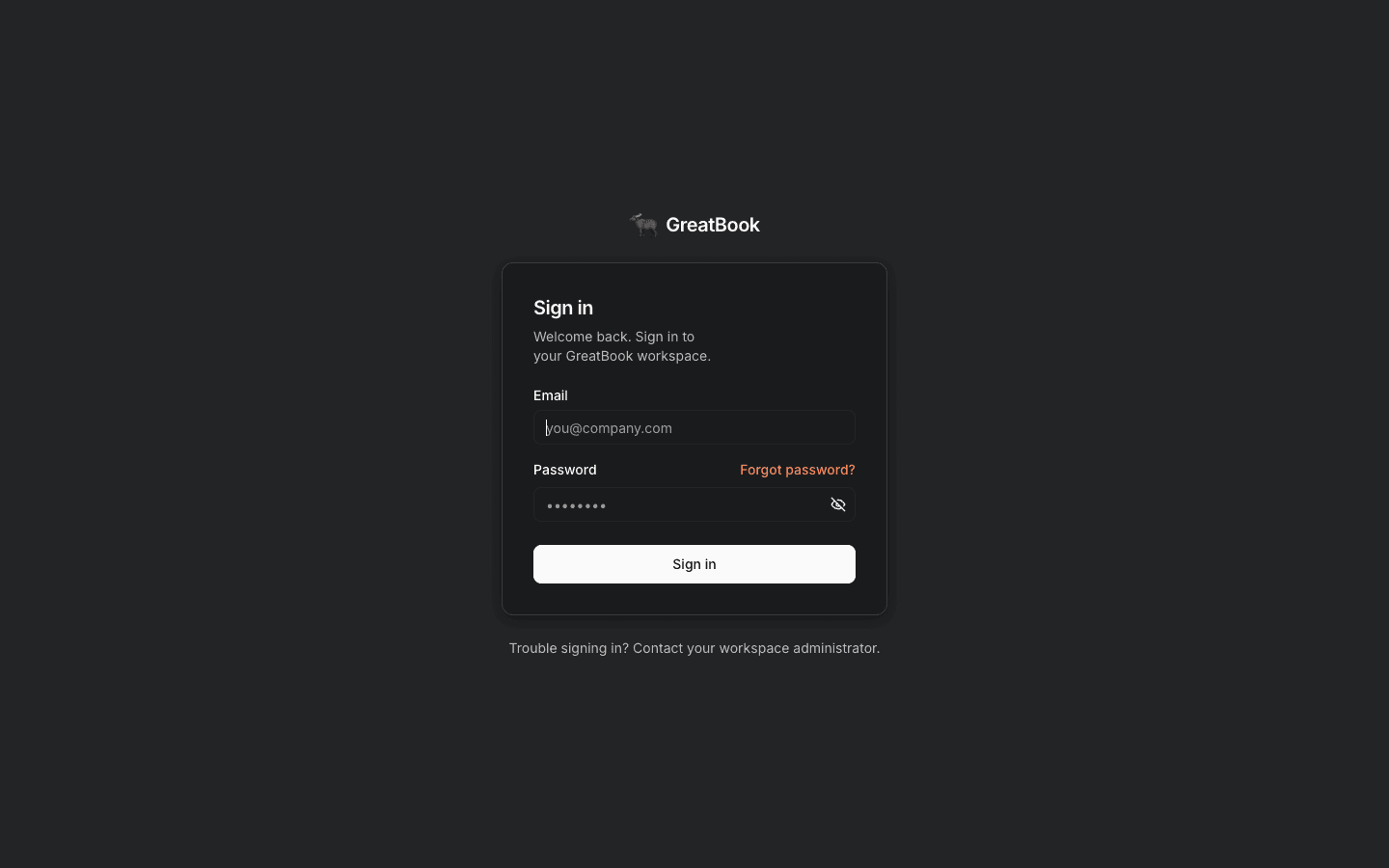
Every page is gated.
An unauthenticated visit is redirected to the sign-in screen, and there is **no public read of any financial data**.
Sign in with your workspace email and password.
If you have forgotten it, **Forgot password?** sends a reset link.
 Your identity here is the identity **every approval is recorded against**.
It is what the separation-of-duties rule compares, and it is what the ledger carries as the author of
a posting.
Do not share a login.
## The workspace landing
After signing in you land on the **GreatBook Workspace**, and it reads top to bottom in three bands.
**Apps**, at the top, are the screens you work in: Upload, Operation, Review, Books and Payments as
cards, then Typewriter, Files, Actions and Dev as chips beneath them.
**Agents**, below that, is the roster in pipeline order, and each card states how you reach that
agent.
`Live · chat` means you can talk to it from the picker above.
`Live · in pipeline` means it is running but has no chat surface - the Bookkeeper and the Accountant
work on the queue rather than in a conversation, so the Bookkeeper's card links you to the review
inbox instead.
The greyed **Coming soon** cards are roadmap placeholders, not broken
features.
**The composer is pinned to the bottom of the screen**, carrying a **Chat with** picker of the three
conversational agents: Typewriter, Clerk and Auditor.
Pick one and start typing; you do not open a separate screen first.
It stays where it is as you scroll, so the answer to "how do I ask something?" is the same on every
screen in Chat.
The **Typewriter** entry in the *Chat with* picker creates propose-only drafts.
Use the **Typewriter** chip under *Apps*, **Forms** in the left rail, or `/typewriter/new` when you need to review fields, save, approve or hand a document to the Clerk.
## The left rail
The narrow rail is the permanent navigation and never changes.
| Item | What it is |
| ----------- | ------------------------------------------------------------------------------------------ |
| **Chat** | the workspace landing, the agent picker, and every agent workspace |
| **Forms** | the documents table and the form builder, where a document of record is composed |
| **Data** | the bookkeeping workspace: chat, the upload desk, and the staging grid |
| **Books** | Overview, Review, Payments, Ledger, Evidence, Audit, Statements, Planning |
| **Audit** | the assurance workspace: exceptions, sweeps, and the two-lane worklist |
| **Files** | the inventory of every document on the system |
| **Actions** | the agent-run inbox, including failures, blockers, stale and legitimate no-change outcomes |
| **Dev** | connector health |
**Data** and **Audit** are the two desks, not separate products.
**Data** is the matching layer, where documents arrive and are established.
**Audit** is assurance across both layers, and it is where the
[exception register and two-lane human worklist](/greatbook/guides/work-the-exception-register) live.
Both open directly, so getting a document in or checking the book does not start with picking an
agent.
**Forms** is the rail label; the agent behind it is still the **Typewriter**, and that is the name
it answers to in the *Chat with* picker and in these guides.
The button at the top collapses the rail when you want the width.
The theme toggle and sign-out are pinned to the bottom.
Opening an agent from the picker or the roster does not leave the rail.
It opens that agent's own workspace inside **Chat**, with its own sub-nav.
[Agent workspaces](/greatbook/guides/agent-workspaces) is the page for that.
## Your conversations, all in one list
The panel toggle at the top-left opens **Threads**.
It is a single list across every agent, and each row is labelled with the agent that owns it.
Clicking a row opens that conversation and switches you to its agent automatically.
You never have to remember which agent a thread belonged to.
A thread belongs to one agent for its whole life.
If you switch agent from the composer menu, GreatBook opens a **fresh conversation** rather than
retargeting the one you are in.
That is intentional: each agent has its own view of state, and carrying a conversation across
agents would carry one agent's assumptions into another's reasoning.
## Light and dark
The **Dark / Light** toggle at the bottom of the rail follows your operating system by default and remembers your choice.
Everything is styled for both, including the documents table and the ledger.
## Related
* [The golden path](/greatbook/guides/golden-path) - the journey these screens support
* [Who does what](/greatbook/roles) - what your identity is allowed to do
* [Reference](/greatbook/guides/reference) - deep links, statuses and the rest of Books
Your identity here is the identity **every approval is recorded against**.
It is what the separation-of-duties rule compares, and it is what the ledger carries as the author of
a posting.
Do not share a login.
## The workspace landing
After signing in you land on the **GreatBook Workspace**, and it reads top to bottom in three bands.
**Apps**, at the top, are the screens you work in: Upload, Operation, Review, Books and Payments as
cards, then Typewriter, Files, Actions and Dev as chips beneath them.
**Agents**, below that, is the roster in pipeline order, and each card states how you reach that
agent.
`Live · chat` means you can talk to it from the picker above.
`Live · in pipeline` means it is running but has no chat surface - the Bookkeeper and the Accountant
work on the queue rather than in a conversation, so the Bookkeeper's card links you to the review
inbox instead.
The greyed **Coming soon** cards are roadmap placeholders, not broken
features.
**The composer is pinned to the bottom of the screen**, carrying a **Chat with** picker of the three
conversational agents: Typewriter, Clerk and Auditor.
Pick one and start typing; you do not open a separate screen first.
It stays where it is as you scroll, so the answer to "how do I ask something?" is the same on every
screen in Chat.
The **Typewriter** entry in the *Chat with* picker creates propose-only drafts.
Use the **Typewriter** chip under *Apps*, **Forms** in the left rail, or `/typewriter/new` when you need to review fields, save, approve or hand a document to the Clerk.
## The left rail
The narrow rail is the permanent navigation and never changes.
| Item | What it is |
| ----------- | ------------------------------------------------------------------------------------------ |
| **Chat** | the workspace landing, the agent picker, and every agent workspace |
| **Forms** | the documents table and the form builder, where a document of record is composed |
| **Data** | the bookkeeping workspace: chat, the upload desk, and the staging grid |
| **Books** | Overview, Review, Payments, Ledger, Evidence, Audit, Statements, Planning |
| **Audit** | the assurance workspace: exceptions, sweeps, and the two-lane worklist |
| **Files** | the inventory of every document on the system |
| **Actions** | the agent-run inbox, including failures, blockers, stale and legitimate no-change outcomes |
| **Dev** | connector health |
**Data** and **Audit** are the two desks, not separate products.
**Data** is the matching layer, where documents arrive and are established.
**Audit** is assurance across both layers, and it is where the
[exception register and two-lane human worklist](/greatbook/guides/work-the-exception-register) live.
Both open directly, so getting a document in or checking the book does not start with picking an
agent.
**Forms** is the rail label; the agent behind it is still the **Typewriter**, and that is the name
it answers to in the *Chat with* picker and in these guides.
The button at the top collapses the rail when you want the width.
The theme toggle and sign-out are pinned to the bottom.
Opening an agent from the picker or the roster does not leave the rail.
It opens that agent's own workspace inside **Chat**, with its own sub-nav.
[Agent workspaces](/greatbook/guides/agent-workspaces) is the page for that.
## Your conversations, all in one list
The panel toggle at the top-left opens **Threads**.
It is a single list across every agent, and each row is labelled with the agent that owns it.
Clicking a row opens that conversation and switches you to its agent automatically.
You never have to remember which agent a thread belonged to.
A thread belongs to one agent for its whole life.
If you switch agent from the composer menu, GreatBook opens a **fresh conversation** rather than
retargeting the one you are in.
That is intentional: each agent has its own view of state, and carrying a conversation across
agents would carry one agent's assumptions into another's reasoning.
## Light and dark
The **Dark / Light** toggle at the bottom of the rail follows your operating system by default and remembers your choice.
Everything is styled for both, including the documents table and the ledger.
## Related
* [The golden path](/greatbook/guides/golden-path) - the journey these screens support
* [Who does what](/greatbook/roles) - what your identity is allowed to do
* [Reference](/greatbook/guides/reference) - deep links, statuses and the rest of Books